What to Read Before You Hire a Community Manager: 11 Free Resources Sorted by the Question
Eleven free guides, essays, frameworks, help pages and field notes, plus four Discord playbooks of my own, sorted by the questions to answer before writing a community manager job post.

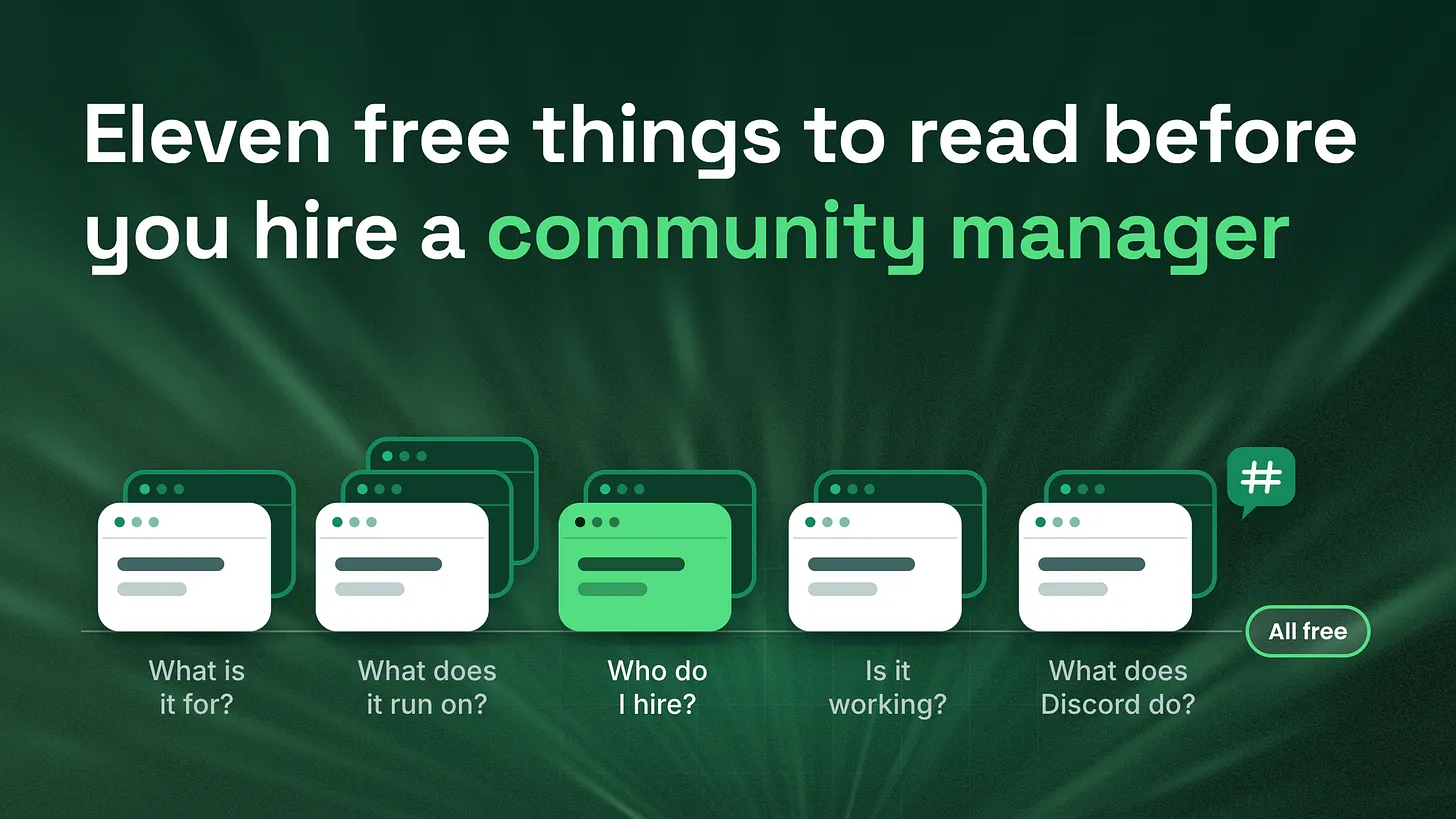
What to read before you hire a community manager: eleven free resources, sorted by the five questions worth answering first. Read one, write one line. By the end you have a clear one-page job spec to share with candidates and come back to later. Four Discord guides from my own work cover the rest.
Before you post the job
The job post usually takes ten minutes to write.
Community Manager. Discord experience required. Help us grow and engage our community.
Someone good applies. They are friendly, quick to reply, and clearly know their way around a server. You hire them. Three months later, you sit down to ask how it is going. The server feels busier, or maybe it doesn't. Members seem happy, mostly. It is surprisingly hard to say, and that is not because anyone did anything wrong. Community work is just hard to see from the outside, and the picture of what "going well" means usually lives in someone's head rather than on a page. It is a common gap in community hiring, and it has a friendly fix. Once the job is written down, a good hire has room to do their best work, and you both know what you are aiming for. You don't need a better job post template for that. You need to know just enough about community work to describe the job in your own words, and that is easier than it sounds. Below are eleven free things to read, sorted by the five questions worth answering before you hire. None of them is a book, and the last one is my own library of field notes. One is a conference talk from 2003 about why online groups fall apart, and it is still free to read. Each one gives you a single line to write down, and by the end those lines are your job spec. After the list, I have added four pieces from my own work that cover the Discord side of the hire: the spec, the interview, the first month and the check-in after it.
Start with what the community is for
Every other decision depends on this one. A community that takes pressure off your support team needs a different person from one that feeds ideas to your product team.
The quickest way in is SPACES Framework in Action, a short article by Beth McIntyre on the CMX blog from October 2025. CMX's SPACES model lists six things a community can do for a business: Support, Product, Acquisition, Content, Engagement and Success. The article turns that into a simple exercise. Write the six down, mark the ones your community already helps with, pick one or two, and give each one number to track. Those one or two results are your goal.
The Community Canvas looks at the same question from the members' side. Fabian Pfortmüller, Nico Luchsinger and Sascha Mombartz released it in 2017 as a free framework, with a guidebook, a short summary and worksheets you can copy. If you only open one part, open the Minimum Viable Community template. It is a handful of starter questions about who the community is for and why it exists. The project itself has closed, but the site and every download are still online.
Learn what keeps a community running
From the outside, a community looks like people chatting. From the inside, it runs on structure: roles, routines, and a small group of people who care more than everyone else. If you only have an hour, read Clay Shirky's A Group Is Its Own Worst Enemy. It began as a talk at the O'Reilly Emerging Technology Conference in April 2003, and it is free online. Shirky makes three points that every founder should hear before building a community:
- Groups need structure, because left alone they drift away from their own purpose.
- Every group that lasts grows a small core of people who care more than average and look after the space.
- Growth itself can break a group. Past a certain size, conversation stops working unless the group is split up. The second point is the one to act on. Before you hire anyone, you should be able to name the few members who already hold your community together. The next two go deeper, and they answer different questions:
| Resource | What it tells you |
|---|---|
| The Beginner's Guide to Community Management, Richard Millington, FeverBee | What the job actually involves each day, week, month and year, how it differs from social media work, and whether you need someone full-time at all |
| Community Maturity Model, The Community Roundtable | The eight areas a community program needs, from strategy to measurement, plus a free self-check that takes about ten minutes |
The FeverBee guide is one long free page, first published in November 2022 and last updated in October 2026. It also covers salary ranges, which helps when you set a budget. The Maturity Model dates from 2009 and was updated in 2019. Its eight areas are Strategy, Leadership, Culture, Community Management, Content and Programming, Policies and Governance, Tools, and Metrics and Measurement. Your three lowest scores are the first things a new hire should fix. If you have only a few hundred members, bookmark this one for later.
Now think about the person
Two reads here, and they work well as a pair. The first is an older post: Rethinking How We Hire Online Community Managers by Richard Millington at FeverBee, from May 2011. Its best idea is a split worth making in any hiring spec. A builder and a manager are different hires. Someone starting a community from nothing needs different strengths from someone running one that already works, and the builder is harder to find. The post lists six things to look for: passion for the topic, attitude, personality fit with your members, skills, knowledge and experience. It weights experience higher when you need a builder. I would push back on one point. The post counts growth through promotion as part of the job. I would keep that with marketing. Bringing in new members and looking after existing ones are both big jobs, and each one deserves full attention. The second is a single page from The Community Roundtable, 50 Essential Skills in Community Management by Jim Storer, from December 2015. It sorts the skills into five families: Engagement, Strategic, Business, Content and Technical. Nobody is great at all fifty, and that is what makes the list useful. Pick the two families your role cannot do without, and plan one interview question or small test for each. A server that mostly needs member care leans on Engagement. One that has to report to a leadership team leans on Strategic and Business.
Decide how you will know it is working
Member count is the easiest number to check, but on its own it says little about how a community is doing. The CMX Community Industry Report 2026 is a free yearly survey of community professionals. It asks for an email address before the download. This year it found that the scope of community work keeps growing while teams stay small, that budgets are moving in both directions at once, and that 93% of community professionals now use AI tools, up from 81% the year before. CMX is part of Bevy, which sells a community platform, so read the tooling sections with that in mind. The rest is a good picture of what other companies measure and spend. The Orbit Model gives you a better lens than member count. Developer advocates built it to sort members by how involved they are. They first used it in 2014 and put it on GitHub in November 2019. It is no longer being developed, but the site is still up. Its central question is a useful one for any founder: which members deserve most of your time?
Check what Discord already does for free
Before you pay anyone to build anything, read Discord's own material. The Community Admin hub collects Discord's guides on permissions, server insights, moderation, safety and channel names. The Community Onboarding guide explains the built-in flow that asks new members a few questions and gives them the right roles and channels. It has been available to every Community server since March 30, 2023, and you set it up on desktop under Server Settings > Onboarding.
Anything Discord already does well is something you should not pay a person or a bot to rebuild.
Once the basics are in place, the questions get more specific. How do you run a giveaway without losing members afterwards? What should a channel description say? How do you handle an outage without the server flooding? My articles page is where I answer questions like these. It holds more than 150 field notes on running Discord communities, covering onboarding, moderation, permissions, events, feedback, outages and more. It is free, and you can filter it by topic, so you only read what your server needs right now.
Two people I learned a lot from
Reading lists help, and so do people who do this work every day. These two taught me a lot and are worth following. Jon (@Jon_HQ on X) writes about Discord security. His site, jonhq.com, collects his free threads and articles in one place, including Securing Discord Admins, Creating a Fresh Discord Server and a post-hack response guide. His thread list also covers the most dangerous Discord permissions and the questions to ask before hiring someone to audit your server. If your community will ever hold money, tokens or paid access, start with Jon. Naviking (discomm.cc) has more than seven years of Discord moderation experience and has contributed to the Discord Moderator Academy. The site lists public servers Naviking works on, from game communities to a networking server for community managers in gaming. Joining one or two and simply looking around is one of the easiest ways to see what a well-run server feels like from the member's side.
The Discord side, from my own work
Most of the list above covers community work in general. These four are mine, written for teams whose community lives on Discord. Each one picks up at a different moment in the hire.
| When | Read | What you get |
|---|---|---|
| Before the job post | How to Hire a Discord Community Manager: The Spec You Write Before the Job Post | A one-page spec built on four decisions: which systems the role owns, what already exists in the server, what the first thirty days produce and what the weekly report looks like |
| During interviews | Discord Community Manager Interview Questions and the Live Test That Proves Platform Skill | Six questions with a simple 0 to 2 score, plus a 45-minute hands-on task in a throwaway test server |
| The first month | How to Onboard a New Discord Community Manager in 30 Days With Weekly Deliverables | One written deliverable each week, including a week where your new hire handles member conversations on their own |
| A few months in | How to Evaluate a Discord Community Manager: The Five Documents Audit | Five documents worth asking for: a channel map, an onboarding sequence, a coverage schedule, an escalation ladder and a weekly report |
The page below is the short version of the first one. If you want the full template, start there.
Your one page
Here is where the reading pays off. Copy this and fill in a line as you finish each resource.
Goal, the one or two results the community must drive: (SPACES)
Who it is for, and why it exists:                      (Community Canvas)
Core group, and what they get:                         (Shirky)
Full-time or part-time, and the weekly tasks:          (FeverBee guide)
Three weakest areas to fix first:                      (Maturity Model)
Builder or manager, and why:                           (FeverBee hiring post)
The two skill families the role needs most:            (50 Skills)
Three numbers I want every month:                      (CMX report)
Ten most involved members today:                       (Orbit Model)
What I will use from Discord as it ships:              (Discord guides)
Share this page with every candidate before the interview. It gives them a real picture of the work, and the conversation gets better on both sides. Keep it for the 30-day check-in too, so you and your new hire can look at it together and see what has moved. Short on time? The Shirky essay, the FeverBee hiring post, the SPACES article and the Discord onboarding guide fit into one afternoon, and they cover the biggest decisions. If a few lines stay blank after all that, you are in good company, and it is exactly what my free community analysis is for. It is a three-minute form with no technical knowledge needed, and I reply within 24 hours with what is working, what isn't and what to fix first.
What reading will not fix
A clear job description is not the same as a working community. Underneath every server sit layers: how the channels are organised, how new members are taken through their first 48 hours, how support questions get routed, how moderation works, what is automated and what is documented, the weekly posting rhythm, and a report short enough for a founder to read. It is completely normal to have only some of these in place when you hire. Your page will show you which ones are still to come. Add that list to the job post, so the person you hire can see the opportunity and plan their first months around it. Building those layers, from the channel structure and onboarding to moderation and reporting, is the work I do for companies, either as a one-time server build or as ongoing day-to-day management. If you would like to talk through which ones your server needs first, you can book a free 30-minute call. *Good community hires usually start with a clear picture of the job. A week of free reading and one written page is a friendly way to get there. Templates and a free community analysis are waiting at *danieljeong.org