The GTA 6 Discord Server Setup a Community Manager Would Run for Launch Week
A day one, week one and month one plan for GTA 6 server teams, covering the channels, the onboarding question and the moderation shifts to get right during launch week.

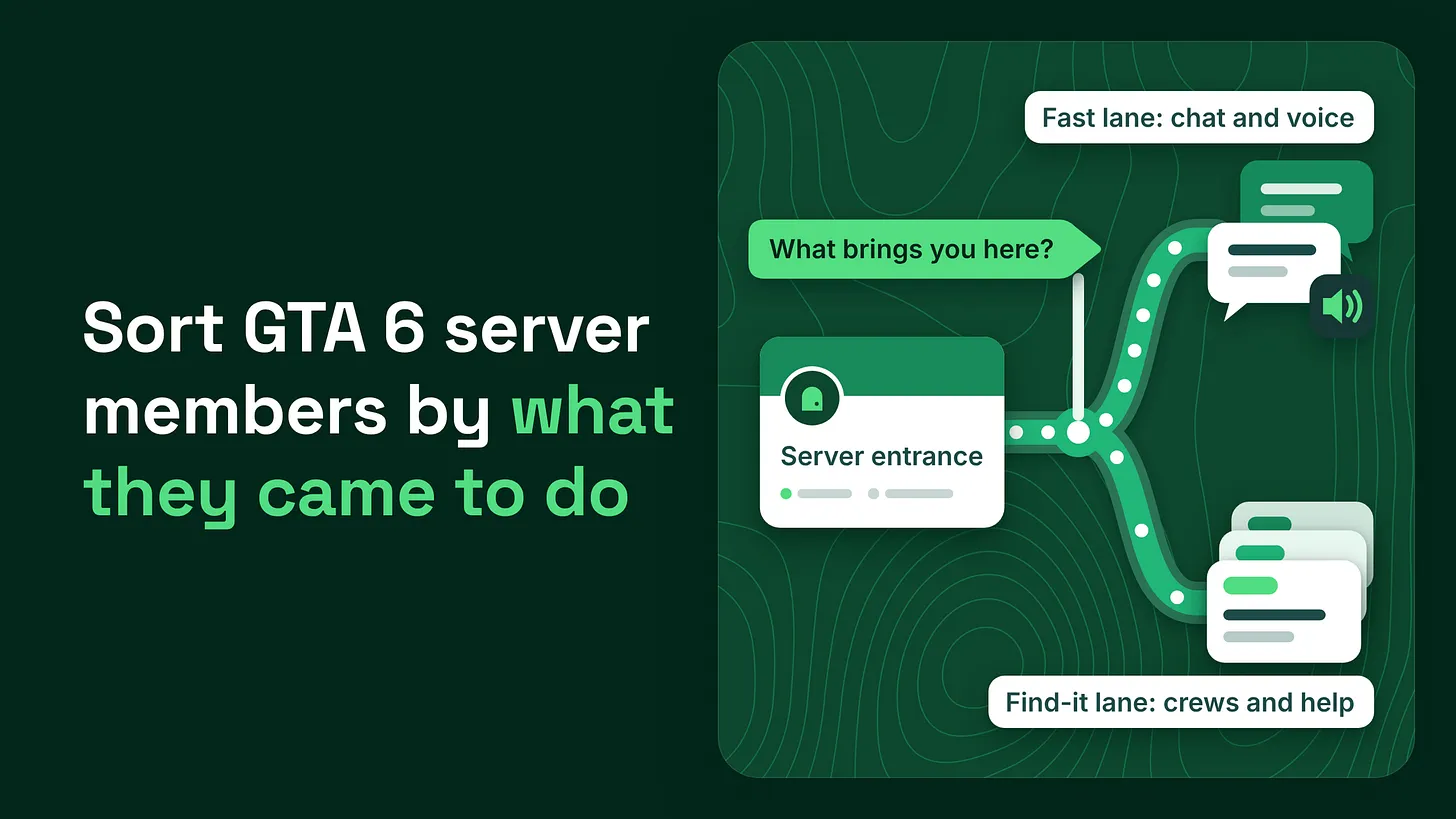
GTA 6 did not bring one crowd to your server. It brought Gen Z players who live in fast chat and voice, and longtime fans in their 30s to 50s who arrived with a job to do. A good GTA 6 Discord server setup sorts people by what they came to do: one onboarding question, a fast lane, a findable lane, and moderation shifts that cover the rush.
Sort your GTA 6 server by what people came to do there, never by who you assume they are. That one rule decides whether launch week feels like a party or a pileup. The plan below runs from day one to month one, and the single onboarding question that does most of the sorting, without ever asking anyone's age, comes in the week one section.
The crowd that arrived on November 19 is older than the memes suggest
Picture the usual GTA server. The clips, the memes, the voice channel that never empties. It looks like a young crowd, so the usual setup follows from that: one big general chat, a clips channel, a leveling bot, and the hope that the launch energy carries the rest. That plan is reasonable. It is also built for half the people who showed up.
GTA V came out in 2013. The people who started the series then have had thirteen years to get older, take on jobs, run crews and plan their gaming around a calendar. The wider numbers point the same way. The Entertainment Software Association's 2026 Essential Facts report puts the average US video game player at 37. Your launch week server now holds Gen Z players who found the series through clips, sitting next to fans who waited more than a decade for this release.
I have worked with very engaged Gen Z servers and with communities of people in their 40s to 60s. A GTA 6 server now has to serve both at once.
Those two crowds tend to use a server in different ways. These are tendencies, not age rules, and the table shows why they matter for setup.
| Fast lane crowd | Find-it crowd | |
|---|---|---|
| Where they tend to spend time | Live chat, voice, clips | Forum posts, pinned info, schedules |
| What tends to push them out | A server that feels slow or locked down | Answers that scroll away in seconds |
| What they need from staff | Quick replies and room to joke | Clear answers and a home for crew plans |
Plenty of 45 year olds live in voice chat. Plenty of 19 year olds only want the crew schedule. That is exactly why age is the wrong filter. Sort members by intent, meaning what they came to the server to do. Put plainly, a crew organizer and a clip poster need different rooms even if they were born in the same year.
Day one: open two lanes now
If your server opened on November 19 with one big chat, build the lanes now, while the crowd is still settling in. Every day you wait, the habits of the one big chat set a little harder.
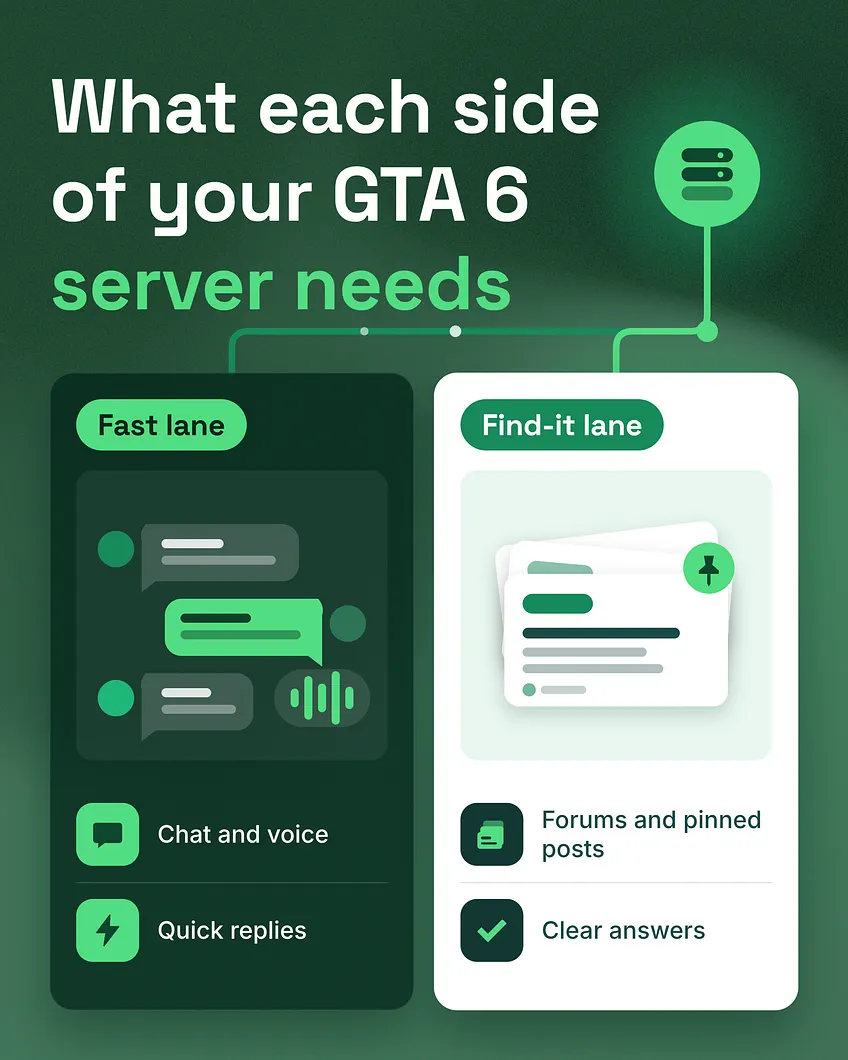
The fast lane is for people who came to hang out:
#gta6-chatfor live talk about the game as it happens.- A few voice channels, named by activity so people know what they are walking into.
#clipsfor screenshots and video, with a rule that each post is media, so the channel stays easy to scroll.
The find-it lane is for people who came with a job to do. Build it from forum channels, because a forum post stays in one place with its own replies instead of scrolling away. Discord lets you add tags to forum posts, which turns a forum into something members can filter (Discord's Forum Channels FAQ, checked November 2026).
#find-a-crew, a forum with tags for platform (PS5, Xbox Series), play style and time zone. GTA 6 launched on PS5 and Xbox Series X|S, so the platform tag alone saves a lot of wasted messages.#help-and-tips, a forum where each question becomes its own post with its own answer.#launch-info, a read-only channel with the few facts people keep asking for.
Two settings protect both lanes on day one. Turn on slowmode in #gta6-chat, which limits how often each member can post and keeps the channel readable when it is busiest. And give story spoilers their own channel, with a rule that spoilers anywhere else go inside Discord's spoiler tags (two vertical bars on each side of the text). Longtime fans waited years for the story, and one leaked ending in the main chat can sour their whole launch.
Your first move today: create the #find-a-crew forum and add its tags. It takes minutes and it gives the find-it crowd a home while they are still arriving.
Moderation needs a plan too. Launch week is when raids and spam tend to hit, because a busy server is an easy place to hide. Set mod shifts that cover the hours your members are actually online, with two moderators on the busiest hours rather than one. Discord's AutoMod can block messages that contain words you choose, which is useful for leaked spoiler terms and scam links, and Discord lets admins pause invites if a raid starts. Agree in advance who presses that button.
Week one: one onboarding question does the sorting
This is the question promised at the top, and it never asks anyone's age.
Discord's Community Onboarding, found under Server Settings and then Onboarding, lets you ask new members a few questions and hand out roles and channels based on their answers. Members can change their answers later from the Channels & Roles tab (Discord's Community Onboarding FAQ, checked November 2026). Discord's own guidance suggests starting with a question about what members want to do in the server.
For a GTA 6 server, that question is:
"What brings you here this week?"
| Answer | What it opens |
|---|---|
| Find a crew to play with | #find-a-crew and a crew role |
| Talk about the game as it happens | #gta6-chat and the voice channels |
| Get help and tips | #help-and-tips |
| Share clips and screenshots | #clips |
The part that surprises people is how much this one question does. It sorts the two crowds better than any age split could, because it sorts by the thing that actually changes what a member needs. The crew organizer in their 40s picks the first answer. The 20 year old who wants to talk through every mission picks the second. Nobody had to share anything personal, and everyone lands in a room built for them. Keep the answer list short. Discord's onboarding examples page suggests six as a good maximum for options on a question like this (Discord's Community Onboarding Examples).
The rest of week one is rhythm. Run crew nights at fixed times and post each one with a clear date, time and time zone, because a crew organizer plans around a calendar. Pin a short weekly recap in #launch-info for members who never read the live chat. Many of the people who skip the fast lane still want to know what happened in it.
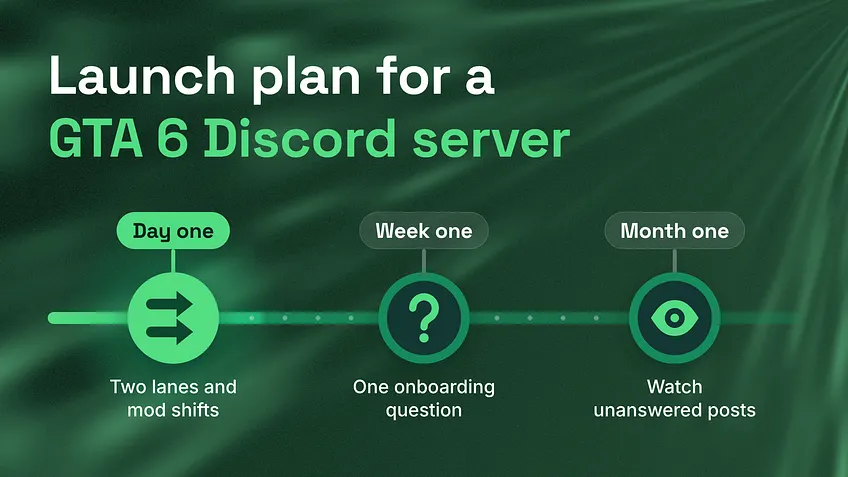
Month one: watch the quiet signals, not the loud ones
By the end of the first month the launch noise fades and the real server shows up. The loud channels will tell you very little. The quiet ones tell you who is about to leave.
Check three things every week:
- Forum posts with no reply. A crew post that sits unanswered for a day tells its author the server does not care. Assign one moderator to sweep
#find-a-crewand#help-and-tipsdaily and reply to anything left alone. - Questions repeated in the live chat. If the same question keeps landing in
#gta6-chat, the answer belongs in#launch-infoor in a pinned post. - Who your helpers are. By week three you will see members who answer questions without being asked. Invite a few from each lane to help: a crew regular and a chat regular. A helper team drawn from both crowds catches problems a single crowd would miss.
This is also the moment to write a short weekly note for whoever owns the server: what members used, what went unanswered, what you changed. It turns a busy month into decisions you can act on.
Launch week is one piece of running a server. Around it sit the onboarding flow, the moderation setup, the routing that gets questions to the right person, the events, and the reporting that shows what members actually use. Get the lanes right first, and each of those has somewhere to plug in.
When your GTA 6 server needs more hands
The lanes, the forum tags and the onboarding question above are things you can set up tonight. For the work around them, the articles on danieljeong.org go deeper on server setup and community operations. If you would like an outside read on your server first, the free community analysis gives you a straight, no-jargon breakdown of what works, what doesn't, and what to fix first, delivered within 24 hours. And if you are building a GTA 6 server and want a community manager to build it with you or run it day to day, communitymanagementpro.com covers server buildouts, moderation and safety setup, and full community management. GTA 6 server teams are the kind of work I'm looking for right now, and I'd be glad to hear what you're building.
Two generations opened the same game on the same day. Give each of them a room that fits, and both will stay. danieljeong.org