The Fake Recruiter Coding Test That Opens a Company Laptop
Why a take-home task from a stranger has become a way into company systems, the warning sign at each stage, and the one device rule every team should adopt.

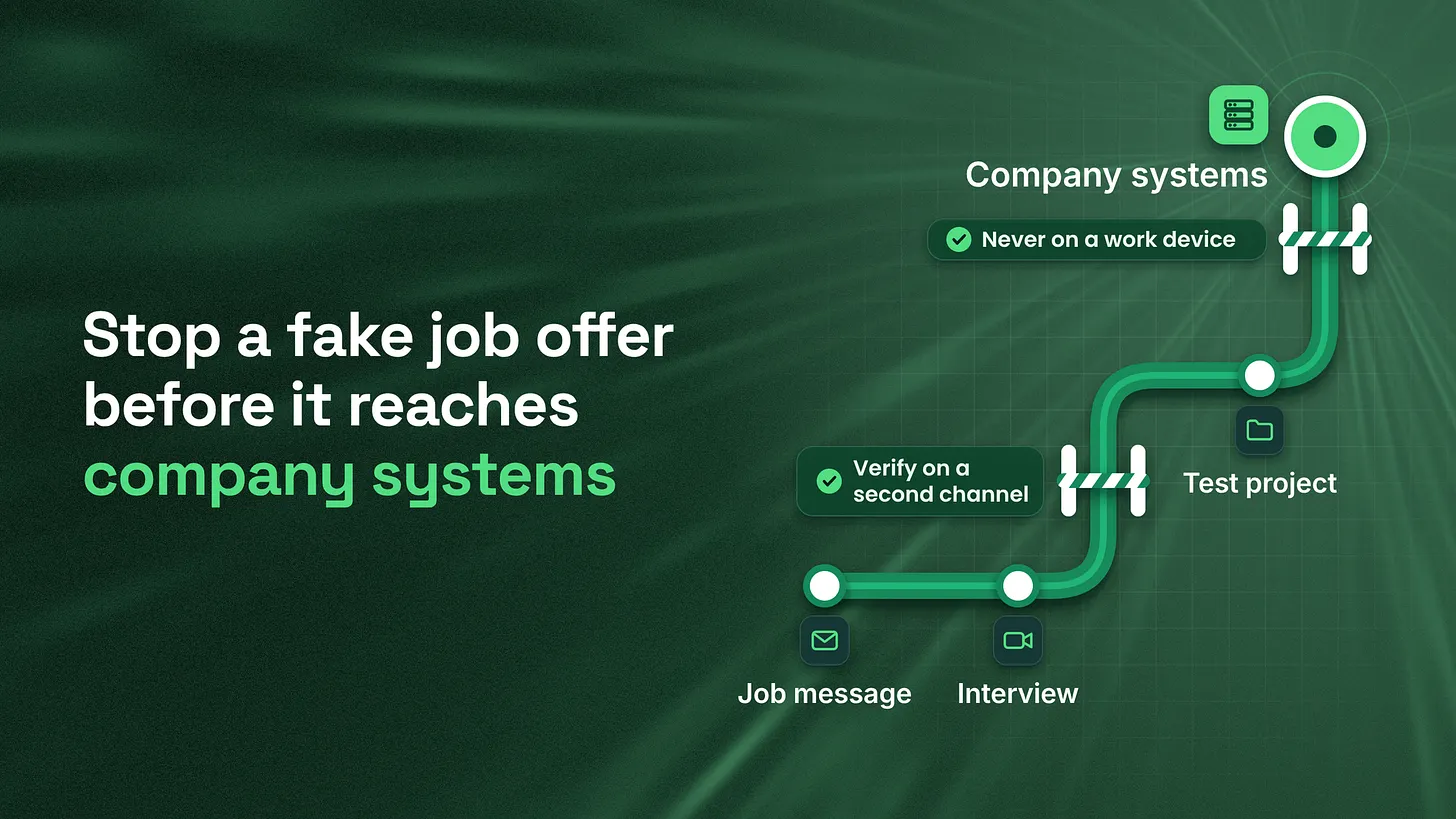
A fake recruiter coding test scam hides malicious code inside a take-home task, so whoever runs it hands over the computer it runs on. If that computer is a company laptop, the company is the real target. One rule stops it: interview tasks never run on company devices, and staff can say they are interviewing without fear.
A message arrives from a recruiter at a well known firm. The role is a step up, the pay is unusually good, and after a friendly video call there is one last step: clone this project, run it, and fix the bug before Friday. That final step is where fake job offers turn into break-ins, and the defence is a single company rule that no interview task, test project or meeting software ever runs on a work device.
A coding test can install software you never see
Many people picture malware as a strange attachment from a stranger. The version spreading through hiring looks nothing like that. It arrives inside a normal looking software project, the kind a candidate is happy to download because they want the job. The moment the project is installed or started, hidden code runs with the same access as the person who opened it.
Palo Alto Networks' Unit 42 described this pattern in 2023 under the name Contagious Interview. Attackers posed as employers, invited software developers to online interviews, and asked them to install a package hosted on GitHub as part of the task. The package carried malware that stole browser data, including saved payment details and cryptocurrency wallet information, then downloaded a second program that could record keystrokes and give the attackers continued access.
The FBI warned in September 2024 that state-backed actors were running highly tailored versions of the same idea against employees of cryptocurrency and finance companies, using fake job offers and "pre-employment tests" that ask the candidate to run unfamiliar code packages, scripts or repositories.
This matters to every company, not only engineering teams, because the person is rarely the prize. The laptop they use for work is. Whatever that laptop can reach, the attacker can now reach: email, shared drives, internal tools, saved passwords, code, and sometimes the systems that move money.
The news gives the stakes a number. On 29 October 2026 an attacker moved about $6.36 billion out of a major crypto exchange's wallets, according to TRM Labs (2026), which attributed the theft to a North Korean group known as TraderTraitor. A joint advisory from the FBI, CISA and the US Treasury (2022) had already described that group's intrusions as beginning with messages to employees that "often mimic a recruitment effort." Public reporting has not said how this particular breach began, and this article does not guess. The pattern alone is reason enough to act.
Five stages of a typical fake recruitment approach
Taken apart piece by piece, a typical approach has five stages. Each one looks reasonable on its own, which is exactly why it works. The table below lists what each stage looks like and the warning sign that gives it away, drawn from the FBI notice and the Unit 42 research.
| Stage | What it looks like | The warning sign |
|---|---|---|
| 1. Research | The attacker studies the person's public profile, especially on professional networking and job sites | The first message references your exact skills and recent work a little too neatly |
| 2. First contact | An unexpected offer from a prominent company, or a vague job ad with no clear employer | Unusually high pay, little room to negotiate, a role you never applied for |
| 3. Channel switch | The recruiter asks to continue on a different messaging app | Pressure to leave the platform where the contact started |
| 4. Interview | A real-feeling video call, sometimes through custom software | A request to install a special meeting app or run a script so the call "works" |
| 5. The test | A take-home task: download a project, install its packages, run it | Unfamiliar packages or repositories, often from a code account with one project and no history |
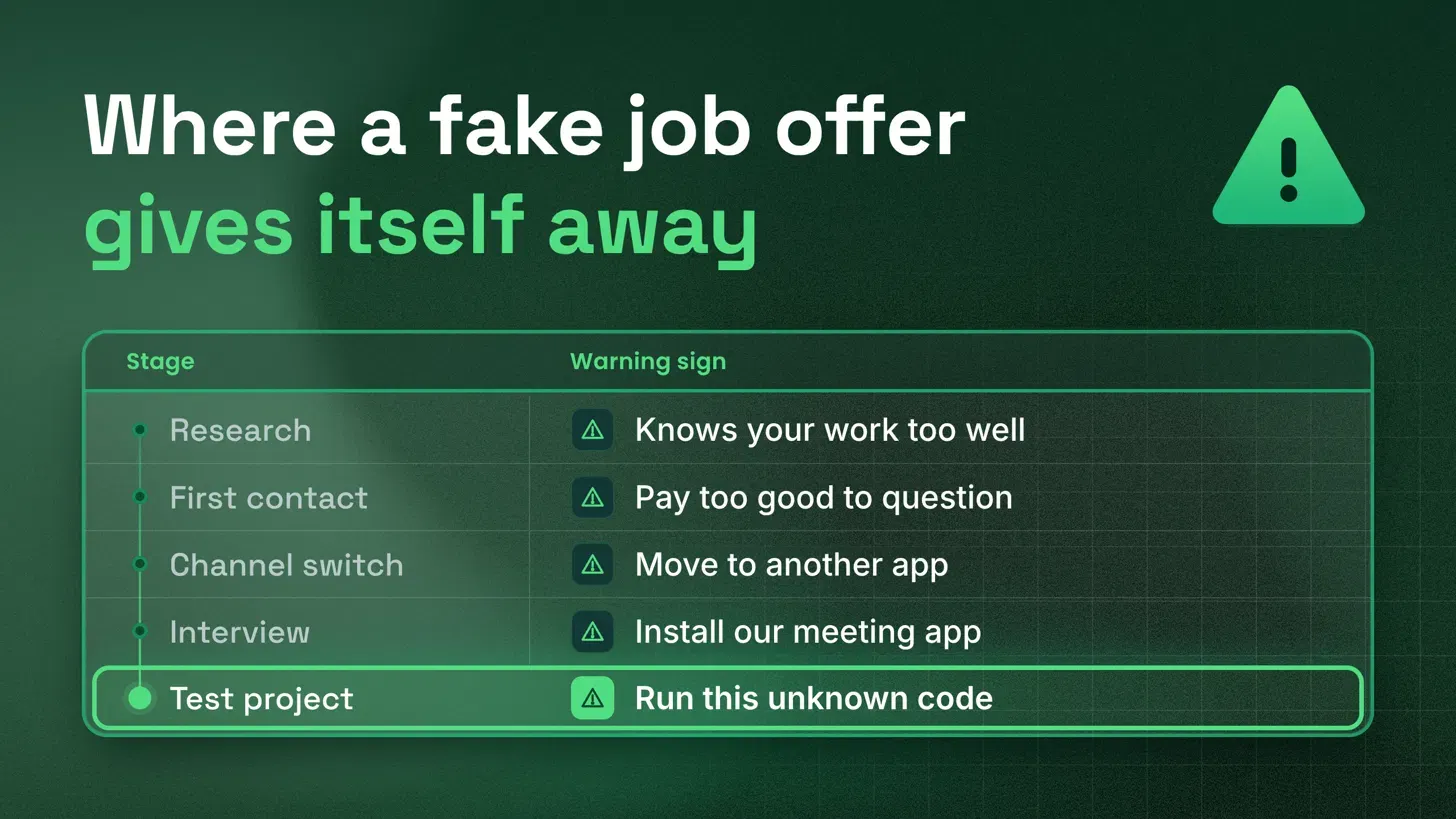
Stage one is invisible to the target. The FBI notice describes attackers scouting prospective victims through their social media activity before any contact, particularly on professional networking and employment sites. That research is why the first message feels personal: it names your stack, your last project, the conference you spoke at.
Stage two leans on flattery and money. The FBI lists offers from prominent crypto or tech firms with unusually high pay and little room to negotiate among its warning signs. Unit 42 found job ads that were vague or anonymous about the employer. A real offer survives a few questions about who the company is and who you would report to. A fake one tends to dodge them.
Stage three moves the conversation somewhere quieter. Requests to move professional conversations to a different messaging app appear on the FBI's list of indicators. The reason is simple: the original platform may have reporting tools and a record; the new one usually does not.
Stage four makes the interview feel real. Many of these calls are convincing. The FBI flags one detail worth remembering: insistence on unusual or custom software for simple tasks such as a video call, or a request to run a script so the call works in your location. Ordinary video calls run on ordinary software.
Stage five is the payload. The test is where the malicious code lives. Unit 42 noted that the code accounts used in Contagious Interview typically had a single project that was never updated, while genuine developers tend to keep several projects with ongoing changes. That is a useful clue, but a careful attacker can fake history, so the rule below does not depend on spotting it.
Why careful people still run the file
None of this targets careless people. It targets people who are good at their jobs and curious about a better one. Three pressures work together. The offer is flattering, so people want it to be real. The task feels routine, because take-home exercises are a normal part of technical hiring. And the person may be job hunting quietly, so they do the task on the computer they already have open, which is often their work laptop.
That last pressure is the one leaders control. If staff believe that looking at other jobs could cost them their current one, they will hide it. Hidden job hunting happens on whatever device is nearest, at odd hours, without asking anyone whether a strange project is safe. A rule that bans interview tasks on work devices only works when people feel safe following it in the open.
A device rule your whole team can follow
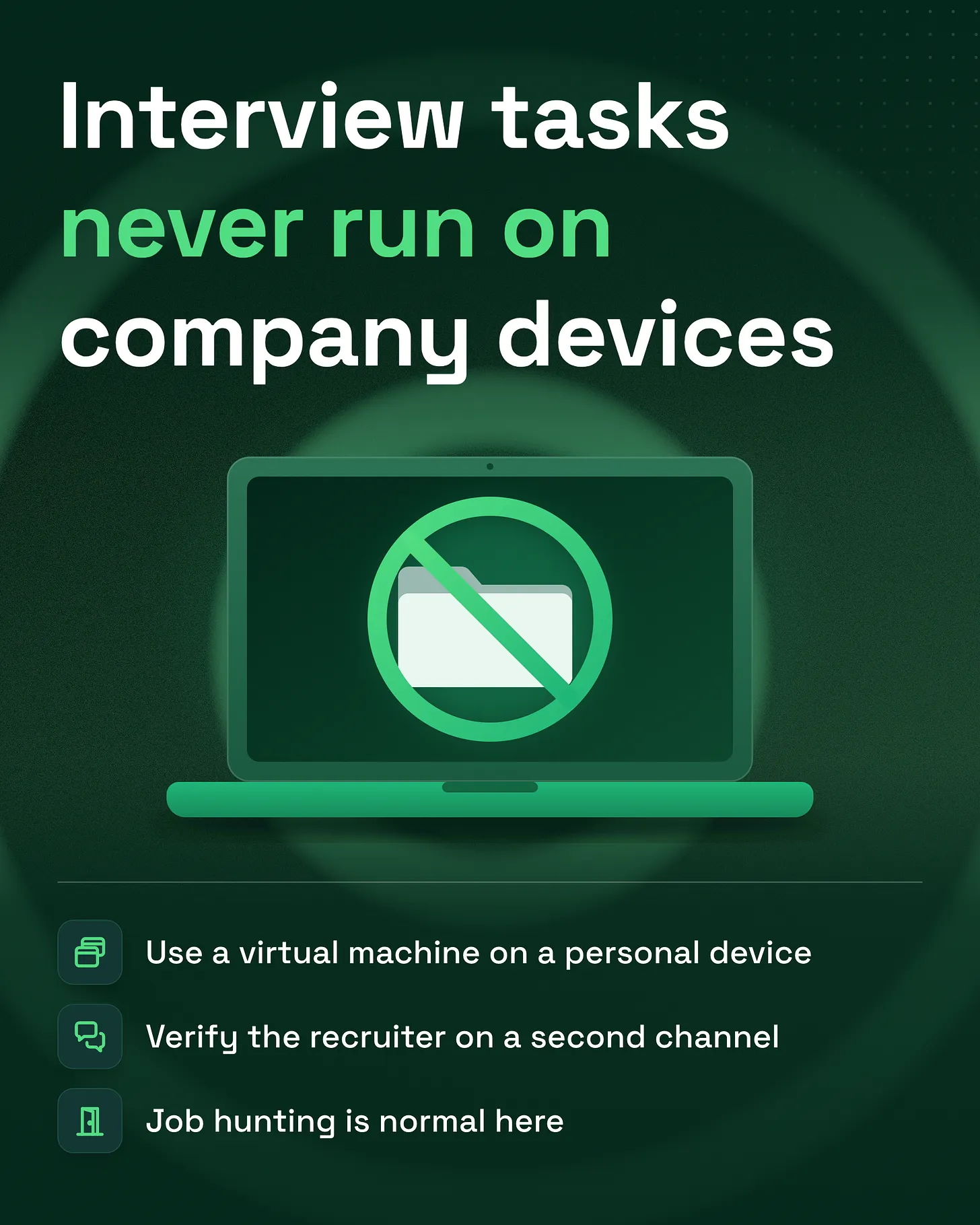
The fix is one sentence, and the FBI states it directly: avoid taking pre-employment tests or executing code on company owned devices, and if a test requires running code, use a virtual machine on a non-company device or a device provided by the tester. A virtual machine is a separate, disposable computer that runs inside your own, so anything that goes wrong inside it can be thrown away.
The rule, as it might read in a staff handbook: No interview task, test project, coding exercise or meeting software from an outside party runs on a company device, ever. Job hunting is normal here and nobody needs to hide it. If you are asked to run code for an interview, do it in a virtual machine on a personal device or on hardware the hiring company provides, and if you are unsure, ask the person who looks after IT before you open anything.
Two basics sit underneath the rule, and many companies still skip them.
Turn on two-factor sign-in everywhere. Two-factor authentication (2FA) asks for a second proof, usually a code from an authenticator app, on top of the password. CISA's guidance, checked in November 2026, is to turn it on for every account or app that offers it, because a stolen password alone is then not enough to get in. Start with email, the password manager, cloud storage, code hosting and anything that moves money. For admins and other high-value accounts, CISA's 2022 fact sheet urges the stronger, phishing-resistant kind, such as hardware security keys, because a fake login page can still trick someone into typing an app code. 2FA protects the sign-in; a laptop that is already infected and signed in can still be misused, which is why the device rule above comes first.
Keep a cold admin account. The people who hold the keys to company systems, such as the domain, the billing account and the cloud console, should make admin changes from a separate account kept only for that. It has its own email address and its own strong 2FA, it is never used to read email, browse or join calls, and it signs in only when an admin change is needed. Daily work happens on an ordinary account with ordinary access. If a laptop or a daily account is compromised, the account that can change everything was not signed in on it.
On top of those two basics, three habits make the rule hold.
Verify on a second channel. The FBI recommends confirming a contact's identity through a separate, unconnected channel, for example a live video call on a different app from the one where they reached you. For a recruiter, that also means checking the company's own careers page or emailing an address on its official domain to confirm the person works there.
Keep the crown jewels off everyday devices. The same notice advises keeping logins, passwords and wallet keys for company funds off internet-connected devices, requiring several approvals from separate devices before company assets move, and limiting who can reach sensitive code, development pipelines and network documentation. If one laptop is compromised, fewer doors open.
Make asking cheap. Name one person anyone can message with "is this safe to open?" and make sure they answer quickly and without judgement. A two minute question is far cheaper than a cleanup.
If someone already ran it
Assume this will happen to someone eventually, and make the first moves obvious. The FBI's guidance for anyone who suspects they were targeted is specific: disconnect the affected device from the internet immediately but leave it powered on, so the evidence on it is preserved. File a detailed complaint with the FBI's Internet Crime Complaint Center at ic3.gov, keep screenshots of the conversations and every username and account the recruiter used, and talk to law enforcement about a forensic examination of the device. From a different, clean device, change the passwords that laptop had saved and review what it could reach.
The person who reports it should hear thanks, not blame. A team that punishes the first report tends not to hear about the second.
Everything above applies to any company with laptops and people who get job offers, which is every company. If your business also runs an online community, the same fake identities tend to turn up there too, posing as staff or support to members, and How to Stop Discord Impersonation Scams Before They Reach Your Members covers that side; more pieces sit on the articles page. For a look at how safe your own community setup is, the free community analysis tells you what's working, what isn't, and what to fix first, delivered within 24 hours, and communitymanagementpro.com lists the moderation and safety setup I build, from AutoMod rules and anti-raid verification to logging and alert channels.
Write the device rule down this week, and say out loud that job hunting is allowed, because each one only works with the other. danieljeong.org