How to Test Discord Onboarding Before a Launch: A Six-Step Load Test for the Join Flow
A six-step run-through for the person sending the traffic: map the join flow, find its slowest step, test it with several people at once, and build a fallback first.

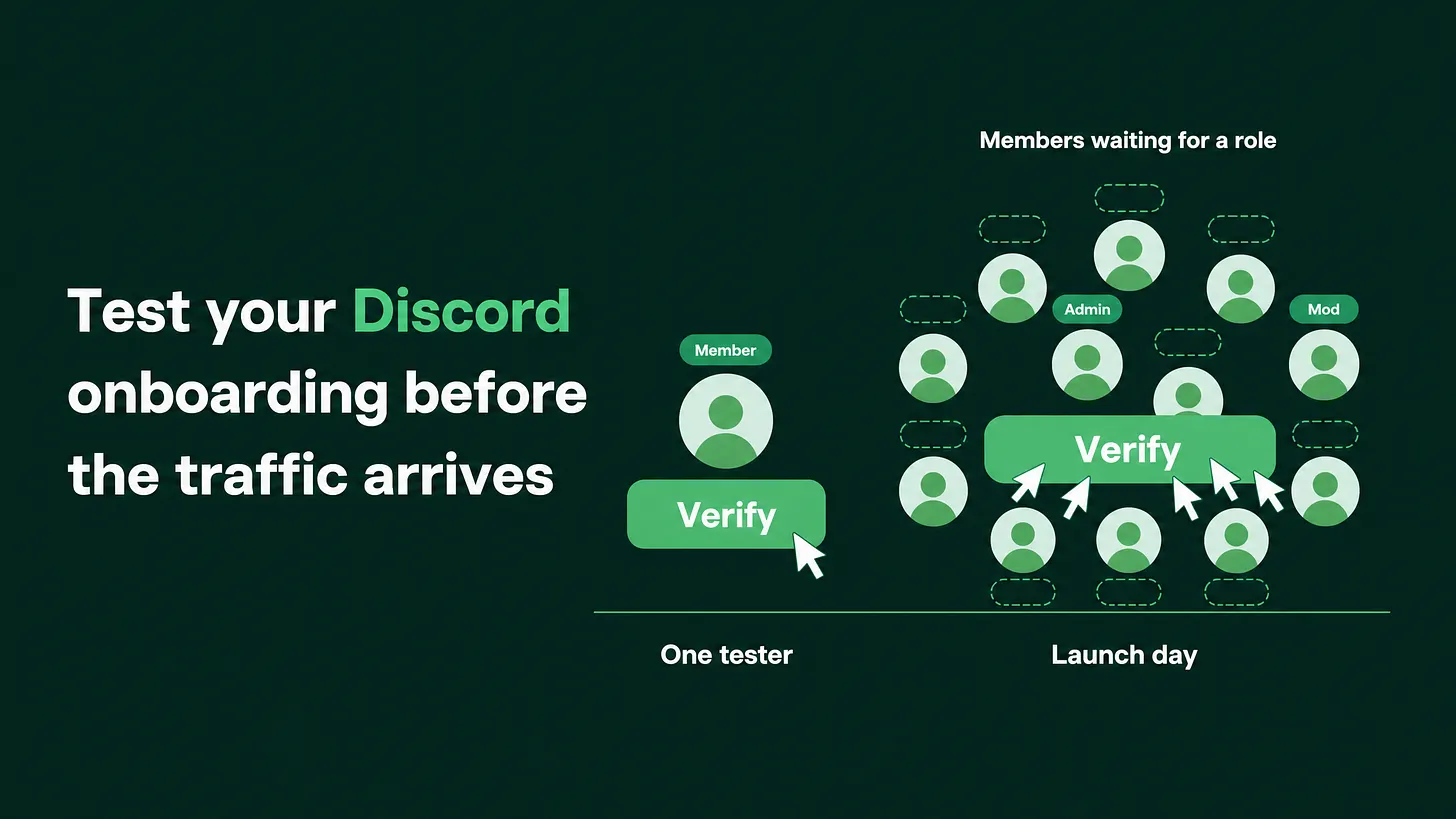
How to test Discord onboarding before a launch: list every click a new member makes, note which tool performs each one and what limits it has, then have several people run the flow at the same moment. Cut the steps that stall, add a help path for stuck members, and watch joins against roles during the spike.
The short answer: count the actions, then press them all at once
A join flow is everything between a person accepting your invite and that person being able to see and use the server. To test it before a campaign, write down every action in that flow, find out which tool performs each action and what limits that tool has, and then have several people go through it at the same moment. One person clicking through on a quiet afternoon only proves the flow works for one person.
The reason is easy to see once you know what happens behind a button. Most servers hand part of the join flow to a bot, which is a program that sits in the server and does jobs for the team, such as checking a new member or giving them a role. A role is a label on a member's account that decides which channels they can see. Every time a member presses a bot's button or submits a bot's form, the bot receives a request and has to answer it.
Bots cannot answer without limit. Discord caps how fast any bot can act, and some bots add caps of their own, often tighter on a free plan than on a paid one. A cap of this kind is a rate limit, meaning a ceiling on how many actions a tool will perform in a given span of time. I am not going to quote a number here, because the numbers differ by bot and by plan, and they change. Each bot's own documentation states them, and that is where you read them.
A join flow with four bot steps asks the bot for four answers per member. Fifty people arriving in the same minute ask for two hundred.
On a normal day members arrive a few at a time and the bot keeps up. On launch day they arrive together. The member sees a button that does nothing, or Discord's own message This interaction failed, which appears when a bot does not answer a button press in time. The role never arrives. The person you paid to reach is now sitting in a server with one visible channel and no way forward.
I managed BlueWillow's Discord through its rise from about 1K to 1.7M members, and I treat every join flow as something a crowd will hit at once. The six steps below are in the order I run them. Anyone with admin access to the server can do all six without outside help.
Step 1: Map every action a new member triggers
Open a blank document and walk the flow from the outside. Use an account that has never been in the server, or ask someone on the team who has not joined yet. Write a numbered line for every click, every form and every role that gets assigned. Leave nothing out because it seems small. A finished map looks like this:
JOIN FLOW MAP (example)

1. Accepts the invite and lands in #start-here
2. Answers the question "What brings you here?"       role given
3. Presses the "Verify" button                        entry role given
4. Fills in a short form (name, what they work on)    answers saved
5. Presses a "Pick your region" button                region role given
6. Entry role opens the main channels

Actions the member performs: 5
Role assignments: 3
Two counts come out of the map. The first is how many actions a single member performs. The second is how many of those end in a role being given, because every role assignment is another job for whatever tool performs it. In this piece, the entry role means the one role that opens the main channels. Whichever step grants it is the step your campaign depends on.
Step 2: Write down what performs each step, and what its limits are
Go back through the map and add three things to every line: what performs the step, which plan that tool is on, and the limit its documentation states. Only two kinds of things can perform a step. One is Discord itself. Discord has a built-in feature named Onboarding, available to Community servers, that shows new members multiple-choice questions when they arrive and gives them roles and channels based on their answers. The other is a third-party bot.
| Step | Performed by | Plan | Documented limit | Where I read it |
|---|---|---|---|---|
| 2. Arrival question | Discord's built-in onboarding | Not applicable | Runs inside Discord | Discord's help pages |
| 3. Verify button | Bot A | Free | Copy the wording from the docs | Bot A's documentation, plans page |
| 4. Short form | Bot A | Free | Copy the wording from the docs | Bot A's documentation |
| 5. Region button | Bot B | Paid | Copy the wording from the docs | Bot B's documentation |
JOIN FLOW MAP (example)

1. Accepts the invite and lands in #start-here
2. Answers the question "What brings you here?"       role given
3. Presses the "Verify" button                        entry role given
4. Fills in a short form (name, what they work on)    answers saved
5. Presses a "Pick your region" button                region role given
6. Entry role opens the main channels

Actions the member performs: 5
Role assignments: 3
Two counts come out of the map. The first is how many actions a single member performs. The second is how many of those end in a role being given, because every role assignment is another job for whatever tool performs it. In this piece, the entry role means the one role that opens the main channels. Whichever step grants it is the step your campaign depends on.
Step 2: Write down what performs each step, and what its limits are
Go back through the map and add three things to every line: what performs the step, which plan that tool is on, and the limit its documentation states. Only two kinds of things can perform a step. One is Discord itself. Discord has a built-in feature named Onboarding, available to Community servers, that shows new members multiple-choice questions when they arrive and gives them roles and channels based on their answers. The other is a third-party bot.
| Step | Performed by | Plan | Documented limit | Where I read it |
|---|---|---|---|---|
| 2. Arrival question | Discord's built-in onboarding | Not applicable | Runs inside Discord | Discord's help pages |
| 3. Verify button | Bot A | Free | Copy the wording from the docs | Bot A's documentation, plans page |
| 4. Short form | Bot A | Free | Copy the wording from the docs | Bot A's documentation |
| 5. Region button | Bot B | Paid | Copy the wording from the docs | Bot B's documentation |
Fill the limit column from the bot's own documentation. If the documentation says nothing, ask the bot's support team in writing, and until they answer, treat that step as the riskiest one in the flow. An unknown limit is a limit you will discover on launch day. Two more checks belong in this step, because they cause the same symptom as a load problem:
- Role order. A bot can only give roles that sit below its own highest role in the server's role list. If the entry role sits above the bot's role, the role will never arrive, for anyone, at any volume.
- Who is watching the bot. Write down who on the team gets told when the bot goes offline. If nobody does, add a name. When the table is full, find the step with the tightest limit. That step sets the ceiling for the whole flow, however generous the others are. Mark it.
Step 3: Cut steps until the bot has one job
Every step you remove takes load off the slowest link and removes one place where a member can get stuck. Go down the map and ask of each line whether it has to happen before the member gets in. Multiple-choice questions move first. Anything shaped like "pick one of these" or "pick any that apply" can live in Discord's built-in onboarding, which assigns the matching roles itself. That takes those clicks away from the bot entirely. Then look at what is left for the bot. Keep the one thing that needs it, which is usually a check that the member is a real person. Everything optional can wait until the member is inside. A member can revisit the built-in questions later from the server's Channels & Roles page, so nothing is lost by asking less at the door.
| Before | After |
|---|---|
| Arrival question in built-in onboarding | Arrival question and region question in built-in onboarding |
| Verify button, handled by a bot | Verify button, handled by a bot |
| Short form, handled by a bot | Short form moved to a channel inside the server, filled in after entry |
| Region button, handled by a second bot | Removed from the join flow |
| Three bot actions per member | One bot action per member |
The flow on the right asks the bot for a third of the work per member. The same crowd now produces a third of the requests against the same limit.
Step 4: Run the flow with several people at the same moment
This is the test most teams skip. It needs a handful of people and one countdown.
- Gather a handful of people. Each one uses their own account, and none of those accounts may hold a staff role. Admins can see every channel regardless of roles, so an admin account will pass through a flow that blocks a normal member.
- Make sure they are outside the server. Anyone already inside leaves first, so they arrive as a new member would.
- Mix the devices. Put at least two people on phones. Campaign traffic often arrives on a phone, and the join flow looks different there.
- Share one fresh invite link and count down. Everyone joins on the same second and presses through every step as fast as they can.
- Give one person the observer seat. They do not join. They watch the member list and write down, for each tester, whether the entry role arrived and roughly how long it took.
- Run it again. Once straight away, and once more after any change you make to the flow.
Record the result per step as worked, slow or failed. Three failures matter most. The first is a button that does nothing or shows
This interaction failed. The second is a role that never arrives, or arrives long after the click. The third is a form that returns an error or loses the answers.
⚠️ A handful of testers cannot copy a launch. What the test tells you is whether the flow has any room to spare. A flow that stutters with six people will not survive a crowd, and you have found that out for free. A flow that passes still needs the fallback in the next step.
Step 5: Build the fallback before you need it
Assume some members will get stuck anyway. The fallback has three parts, and each one is small.
A visible way out. Put one line near the top of #start-here that reads "Stuck? Get help here", pointing to a help channel. Both channels must be visible to members who hold no role at all, and those members must be able to post in the help channel. Check this with a test account, because this permission is the one that gets forgotten.
A staff alert. Decide how long is too long for a new member to sit without the entry role. Ten minutes is a reasonable place to start. If one of your bots can post an alert to a staff channel when that happens, switch it on. If none can, put a person on it: during the spike, someone opens the member list on a fixed rhythm, sorts by newest, and looks for members with no role.
A manual path. Any staff member with the Manage Roles permission can add the entry role by hand from the member's profile. Many bots also offer a role command that does the same thing. Write down which role to give and who is allowed to give it, and have each of those people do it once before launch day.
One more decision is worth making in advance. If the bot step fails completely, what do you switch to? The simplest plan is to let an answer in built-in onboarding grant the entry role directly for the length of the spike. That removes the bot's check, so decide now whether you accept that trade for a day, and write down who is allowed to make the switch.
Step 6: Watch joins against entry roles during the spike
On the day, two numbers tell you whether the flow is holding:
- Members who have joined since the campaign went out.
- Members who hold the entry role.
The role list in the server settings shows how many members hold each role, and the member list shows when each person joined. The gap between the two numbers is the count of people who arrived and got stuck. Some gap is normal, because not everyone finishes the flow straight away. A gap that keeps widening while joins keep coming means a step has stopped working.
Check it every fifteen minutes for the first few hours, then hourly. When the gap widens, fix it the same day. Grant the missing roles by hand, post a short notice in
#start-heretelling stuck members what to do, and switch to the plan you wrote in step 5 if the bot is the cause. Afterwards, write down which step failed, so the map from step 1 gets corrected before the next campaign.
The run sheet
Copy this and put a date beside each line. The first six happen about a week before the send, so there is time to change the flow and test again.
- Join flow mapped as a numbered list, with the action count and the role count
- Every step labelled with what performs it, its plan and its documented limit
- Bot's role sits above the entry role in the role list
- Multiple-choice questions moved into built-in onboarding, and the bot left with one job
- Live test run with several people at once, on non-staff accounts, with phones included
- Test repeated after the last change to the flow
- "Stuck? Get help here" line live in
#start-hereand usable with no role - Staff alert or manual sweep assigned to a named person
- Manual role path practised by everyone allowed to use it
- Community team told the exact send time of the campaign
- Joins and entry role counts checked on a fixed rhythm during the spike The second-to-last line is the one a marketing lead owns outright. A team that knows the send time can have people at the door. A team that learns about the campaign from the member list is already behind.
Where this sits in the larger system
Load-testing the join flow is one part of onboarding and the first 48 hours, the stretch in which a new member decides whether the server is worth coming back to. Onboarding itself sits inside a wider set of work: how much of the server is covered by automation, how roles and channels are arranged, how support questions get routed to someone who can answer, and how the whole thing is reported. This piece covers the load test completely. What the member sees once they are in is a separate build. A campaign and a join flow get planned by different people, often weeks apart, and they first run together in front of the audience. One countdown with six people is enough to introduce them earlier. More at danieljeong.org.