How to Stop Discord Members Muting Your Server: The Notification Budget
Muting is a one way decision. This is how to spend a fixed number of interruptions each week, route them by role, and keep the reach you already paid for.

| To stop Discord members muting your server, cut interruptions to a weekly number you choose deliberately, send each one only to the role it concerns, and make the first line worth the buzz. Muting is close to permanent, so every low value ping is borrowed against the one message you will genuinely need people to read. |
|---|
The short answer
How to stop Discord members muting your server: reduce interruptions to a fixed weekly budget, route each one to the role it concerns rather than to everyone, and write the first line so the notification preview earns its place on somebody's lock screen. The rest of this is why the problem hides for months, how to find out how bad it already is, and the order to fix it in.
Muting is a decision members make once
A member who mutes your server has closed a door with no handle on your side. There is no event that prompts them to reconsider. No message tells them the channel improved, because that message is muted too. Every other retention problem in a community gives you a second attempt. Somebody who stops posting can be drawn back by a good thread. Somebody who never finished onboarding can be caught by a follow up. The mute is different because it removes your ability to reach them at the exact moment you need to.
The audience did not leave. They are still counted in your member total, still logged in, and no longer reachable. That gap between headcount and reach is the number nobody reports.
The symptoms, in the order they usually appear
This failure is quiet, so it gets diagnosed as something else. These are the signs, roughly in the sequence they show up. Announcement engagement falls while membership rises. The chart nobody plots together. Growth covers the decay for a long time. Event attendance drops without any change to the events. Same format, same host, fewer people. The events are fine. The invitation is not arriving. Members ask about things you announced. Support receives questions the announcement already answered, sometimes weeks later. Staff read this as members not paying attention. Your most active members are the quietest about announcements. Long standing members mute earliest, because they absorbed the most noise before you fixed anything. A launch underperforms and nobody can say why. The room was ready, the copy was good, and the message reached a fraction of the people you thought. By the time the last one happens, the mutes are old.
What is actually spending the budget
Open your server and count what fired at members in the last seven days. Most teams find the majority of it was never a decision anybody made.
| Source | What it usually is | What to do with it |
|---|---|---|
| Join messages | A greeting nobody reads, firing all day | Move to a channel nobody is required to open |
| Boost and level up posts | Celebration aimed at one person, delivered to everyone | Same channel as above, or a private thread |
| Bot status and feed output | Machine chatter in a room built for people | Put behind an opt-in role |
| Everyone pings | Used for anything the team considers important | Reserve for messages requiring member action |
| Event reminders | Stacked repeats to the whole server | One reminder, to the role that opted in |
Count first. The number is almost always higher than the team's estimate, and the gap between those two numbers is the argument you need for the rest of the work.
Set a weekly ceiling and treat it as real
Pick a number of interruptions per member per week, write it in the same document as your content calendar, and hold to it. The number matters less than the ceiling existing. A ceiling forces prioritisation, and prioritisation is what has been missing. When the ceiling is spent, the next message waits for the digest or goes to a role instead. Loudness should match the action required from the reader. Nothing to do means no notification. Something to do this week means the role that has to do it. Something everyone must know today, such as downtime or a payout change, is the only case for reaching everybody.
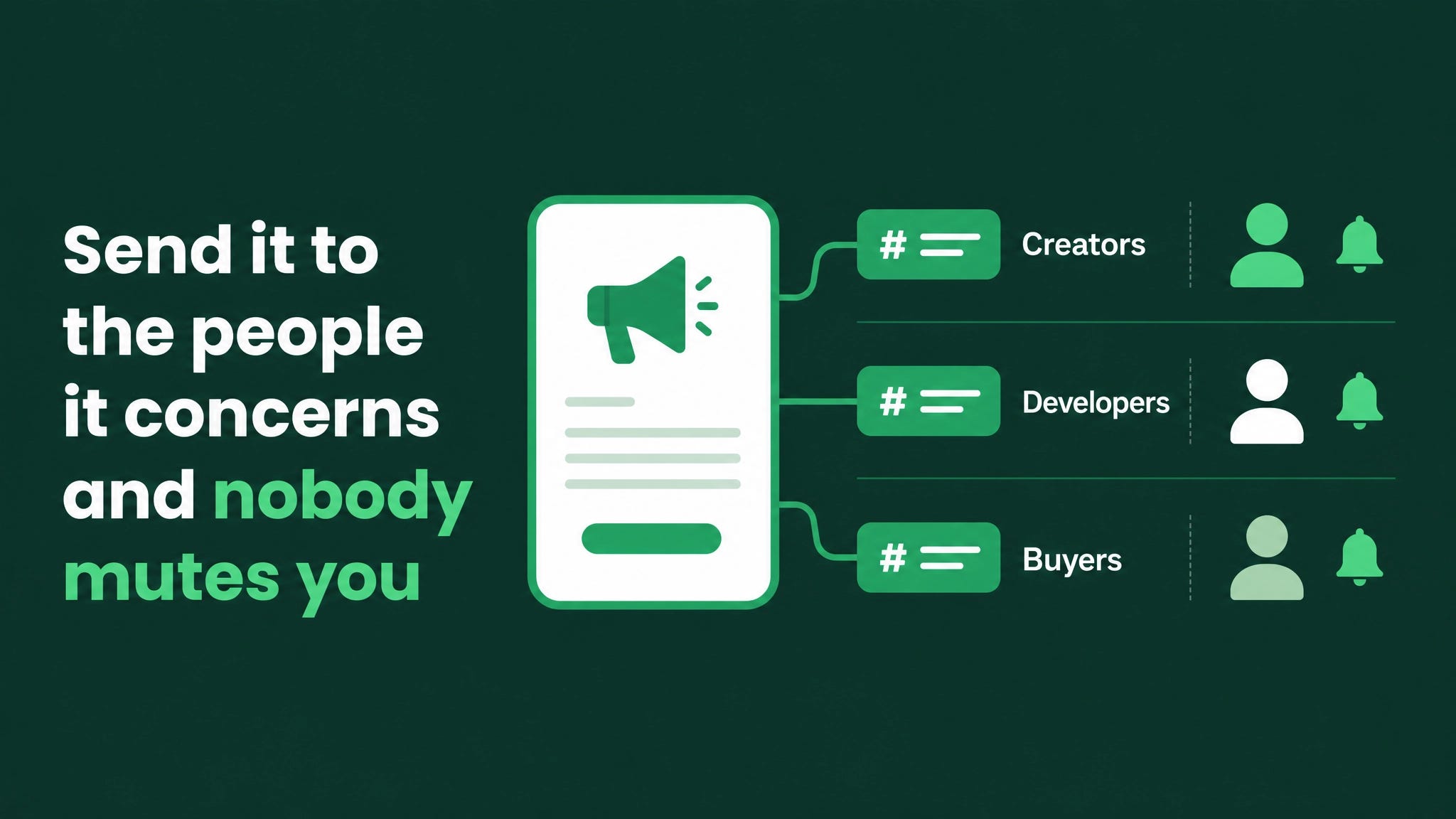
Route by role, not by channel
Most servers segment channels and then broadcast across all of them, which defeats the segmentation. A creator in an affiliate community does not need the developer release note. A developer does not need the sample campaign drop. When both people receive both messages, each one is receiving a stream that is half irrelevant, and the cheapest way for either of them to fix that is to silence the server. The fix is opt-in roles attached to a small self assignment panel near the entrance of the server, and the discipline to ping the role instead of the room. Roles also give you the first honest measurement you have ever had of what members actually want, because the opt-out rate on a role is unambiguous feedback. Why this fails when it is added late Role routing added after members already muted looks like it does not work, because the people you are now carefully targeting stopped receiving anything months ago. Expect to recover reach slowly and through channels that are not muted: onboarding threads for new members, direct one to one follow up for high value members, and in-room conversation. Members who muted early are the hardest to win back, which is the strongest argument for setting the budget before you need it.
The first line is the whole message
A phone notification shows a handful of words. That preview is the only part of your announcement that most members will ever read, and teams routinely spend it on a greeting. What the phone shows, and what it costs you
| Type | First Line (Thing & Deadline) | Context/Details |
|---|---|---|
| Weak | "Hey everyone! We are so excited to announce..." | The preview is spent before the content begins. |
| Strong | "Payouts for March are live, claim by Friday" | Subject, action, deadline, inside the preview. |
First line states the thing and the deadline. Context, thanks and detail go underneath it. This is the same discipline a good short form video uses in its opening second, applied to a room where the cost of a weak opening is not a scroll but a permanent mute.
The sequence for this week
Work in this order, because each step reduces the noise the next step has to survive.
- Count every interruption sent in the last seven days and write the total where the team can see it.
- Move join, boost and level up messages into a channel nobody is required to open.
- Put every machine feed behind an opt-in role.
- Write the weekly ceiling into your content calendar.
- Build a role self assignment panel near the entrance and route the next three announcements by role.
- Rewrite the first line of your announcement template so the preview carries subject, action and deadline. None of this requires new tooling or budget, which is why it tends to be skipped in favour of work that looks larger.
The layers underneath this one
Notification design is one layer of the member communication system, and it is the layer that decides whether any of the others get seen. The layers around it are role and channel architecture that determines who can receive what, onboarding that puts a new member into the right roles in their first minutes, announcement routing with a written rule for which lane each message uses, event reminders tied to attendance rather than to the whole server, a weekly digest for everything that did not deserve an interruption, and reporting that tracks reach separately from headcount. A community team that fixes only the interruption budget will still get most of the value back, which is why it goes first. Count last week's pings before you send this week's. The number is the whole argument.
Attention borrowed without permission gets taken back permanently, and quietly. Written from the build side at danieljeong.org.