How to Set Up Language Channels in Discord: Open Each One Only When a Fluent Moderator Owns It
Why the row of language channels most global servers open at launch goes unmoderated, and the four conditions each channel should meet before it opens.

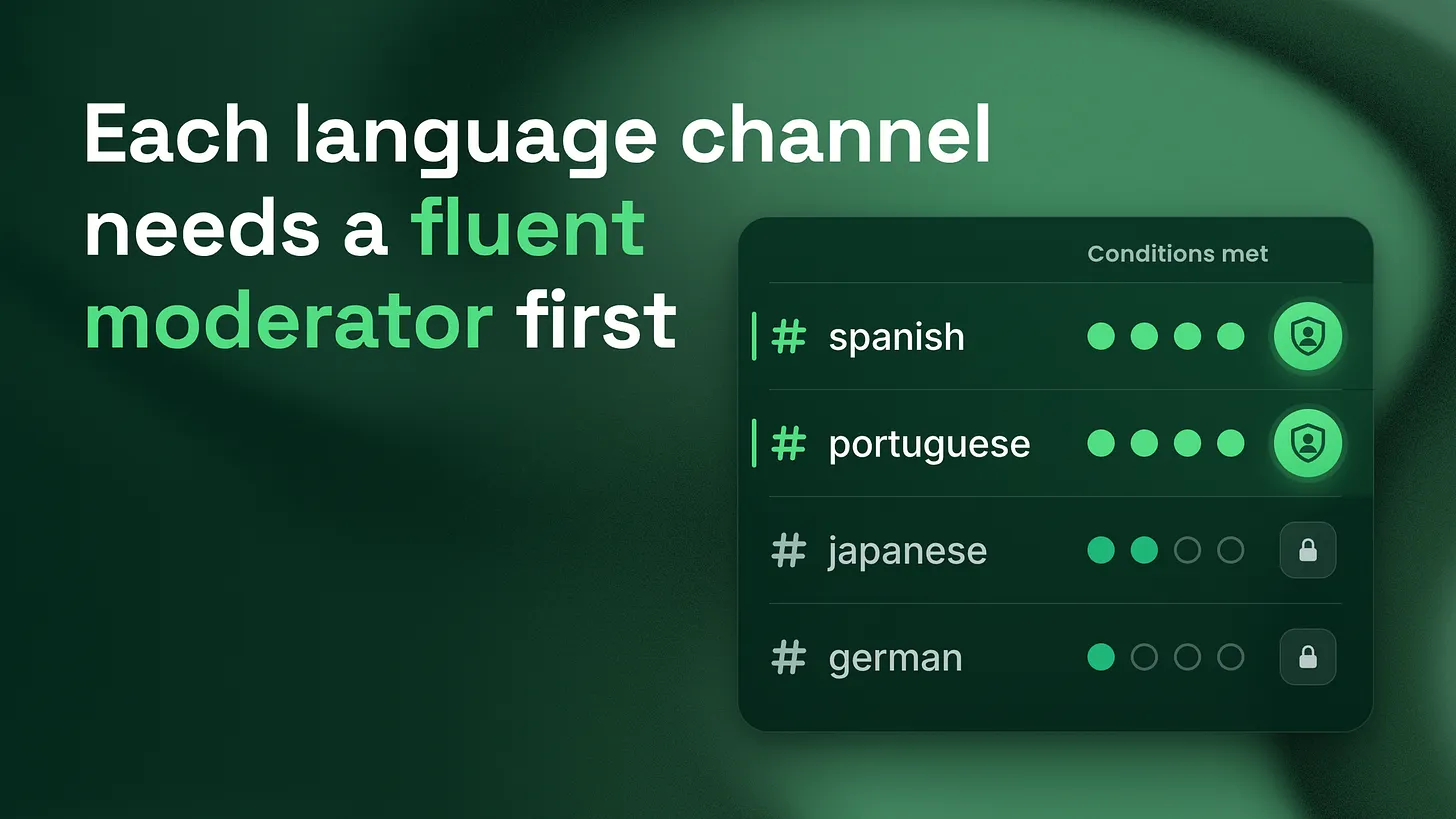
How to set up language channels in Discord comes down to one rule: open a language channel only when a moderator fluent in that language is named as its owner. Keep one shared room in a common language, ask each member's language at the door, translate the rules, and give each channel a keyword filter in its own language.
The setup, in order
Set them up in this order. First, keep one shared room in a common language that every member can see, and make it the place where every announcement and every support answer lands first. Second, ask each new member which language they want to chat in, as a required question at the door, and give them a role from the answer. Third, open a channel for a language only when it meets four conditions:
- A moderator who is fluent in that language is named as the channel's owner.
- The rules and the key server information are translated into that language.
- The channel has its own keyword filter, written in that language.
- Announcements reach it in that language, posted by its owner. If a channel loses its owner, it closes until somebody fluent joins the staff. That is the whole method. The rest of this piece argues for it against the way most servers actually do it, and walks through each part closely enough to build it this week.
The habit this replaces
Watch a server go international and you will usually see the same move. Members start arriving from Brazil, Japan, Mexico and Germany. Somebody on the team wants them to feel welcome, so they open a category called languages and fill it with a channel for each one. The server looks global by the evening.
The trouble starts the next morning. A question arrives in #japanese and nobody on the team can read it, so it sits there. An announcement goes out in English and never reaches the Japanese channel in a form those members can use. A member posts something that breaks the rules, and nobody notices, because noticing requires reading. The channel was opened as a signal that a language is welcome. After a week of silence from staff, it signals the opposite.
A language channel that nobody on your staff can read has no moderation. It only looks like a room you are looking after.
Across five years and 155+ communities, the day one row of language channels is a mistake I keep running into in servers with an international audience. It comes from a good instinct. The fix keeps the instinct and adds a condition.
What an unread channel actually costs
The cost is easy to miss because nothing visibly breaks. The channel exists, people post in it, and the member count keeps rising. The damage shows up in places nobody is measuring.
| What happens in the channel | Who notices | What it costs you |
|---|---|---|
| A product question goes unanswered for days | The member who asked, and everyone who saw it | That language group learns not to ask |
| A rule breaking post stays up | Nobody on staff | The rules stop applying in that room |
| An announcement never arrives in that language | Members who only read that channel | They miss launches, changes and fixes |
| A scam link sits beside real conversation | The member who clicks it | Trust in the whole server, in every language |
The last row is the one that worries me most. A room with no reader is a room where bad actors have more time than anywhere else in the server. Your AutoMod rules may be written only in English, your moderators may only read English, and anyone who wants to post something harmful can simply choose the channel where nobody will understand it. Discord's own guidance points the same way. In its Internationalization of a Community article, published by the Discord Safety Center in 2022, Discord says it is crucial to have moderators who are native speakers or at least fluent in each language a server expands to. The same article warns that international spaces that are rushed or left incomplete could backfire. Opening a channel is the easy part. Staffing it is the part that decides whether it works.
The four conditions, one at a time
1. A fluent moderator is named as the owner
This is the condition that comes first, and it is non negotiable. "Named" means a specific person, written down, who has agreed to watch that channel and has the permissions to act in it. A volunteer who sometimes checks in does not count. A team that "has someone who speaks some Spanish" does not count. The owner does three jobs: answers or routes questions, removes posts that break the rules, and carries anything serious back to the main staff team in the common language. That third job matters more than people expect. The owner is the bridge between that language group and everyone who makes decisions about the server. My working default, which is a rule I use rather than a published standard, is one owner plus one backup before a channel opens to members. One person gets sick, travels or burns out. Two people give you a week of cover while you find a third.
2. The rules and key information are translated
A member who cannot read your rules cannot follow them, and a moderator cannot fairly enforce rules the member never saw in their language. Discord's 2022 internationalization guidance recommends translating important parts such as the rules and server information into every language you feature. Keep the translated set short. The rules, what the server is for, where to get help, and how to reach staff. That is usually a single message the owner pins at the top of the channel. Machine translation is a reasonable first draft, and the fluent owner checks it before it goes up. A translation nobody fluent has read is a guess in a confident tone.
3. The channel has a keyword filter in its own language
Your automated moderation is only as multilingual as the words you give it. Discord's AutoMod FAQ, last updated by Discord in 2026, states that AutoMod can detect words and phrases in any language from your Custom Keyword Rules, with up to 1,000 terms per rule and 60 characters per term. The tool can already do this. Most servers never fill it in. Ask the owner to write the list. They know the slurs, the scam phrases and the slang that a translated English list will miss. Discord's 2022 guidance makes the same point, saying filtered words should cover common slurs in every language a server offers, not only in English.
Custom Keyword Rule: Japanese channel filter
Owner:              [moderator name]
Terms:              written by the owner, reviewed monthly
Action:             block message and alert staff log
Applies to:         #japanese
4. Announcements reach the channel in its language
Every announcement still goes out in the shared room first, so nothing is lost if the translation is late. Then the owner posts a short version in their channel, in their language, with a link back to the original. It does not have to be a full translation. Three sentences that say what changed and what the member should do are enough. This is the condition servers skip most often, and it is the one members feel most directly. If the only way to learn about a launch is to read English, the language channel quietly becomes a side room for people who are already being left out.
The door question that sorts members and tells you who to hire
Ask the language question before anyone reaches a channel. Discord's Community Onboarding FAQ, updated by Discord in 2023, explains that onboarding questions can be marked as required, so members must answer to proceed, and that each answer can grant roles and add channels to the member's channel list. Set it up like this:
- The question: "Which language do you want to chat in?"
- The answers: one for each language that currently has an open channel, plus one that reads "Another language".
- What each answer does: grants a language role and adds that language's channel to the member's list. "Another language" grants a role too, and adds nothing extra. That last answer is the useful one. Members who pick it still get the shared room, so nobody is shut out. And the number of people choosing it, and which languages they name when your owner or a welcome message asks, tells you exactly which moderator to recruit next. The gap turns into a hiring signal. Without the question, you would only find out from a channel that already went quiet. My working default, again my own rule of thumb, is to start recruiting a moderator for a language once it keeps showing up at the door week after week for a month, and to open the channel only after that person is named. Opening first and recruiting later is the habit this whole method exists to replace.
When a channel loses its owner
People leave. A moderator changes jobs, takes a break or simply stops showing up. The rule for this moment has to be written before it happens, because in the moment the easiest thing is to leave the channel open and hope. The rule I use: when a language channel loses its owner and its backup, it closes to new posts until somebody fluent joins the staff. Members keep their language role, so they can be welcomed back the day the channel reopens. A short pinned note in their language explains that the channel is paused and points them to the shared room. A closed channel with an honest note keeps more trust than an open channel that nobody answers.
Auditing the channels you already have
If your server already has a row of language channels, you do not need to start over. Run this in one sitting. ✅ List every language channel in the server. ✅ Beside each one, write the name of the fluent moderator who owns it today. ✅ For every channel with a blank space beside it, post a short pinned note in that language and close it to new posts. ✅ For every channel with a name beside it, check the other three conditions: translated rules, its own keyword filter, and announcements arriving in that language. ✅ Add the required language question at the door, with "Another language" as the final answer. What it reveals is often uncomfortable: several language channels with nobody behind them at all. That is useful to know before a member finds out for you.
Where this sits in the larger system
Language channels are one layer of moderation coverage, which is the question of whether every room in your server has someone able to read it and act on it, at every hour members are active. The same thinking applies to time zones, to new channels opened for a launch, and to any room created faster than it could be staffed. Around that layer sit the others a full community build includes: onboarding that runs past the first day, support routing with a written escalation path, documentation translated for the languages you staff, an engagement rhythm somebody owns, and reporting that shows the business what each part of the community produces. Each of those assumes the room can be read. Getting the language channels right is how you make that assumption true. A welcome only means something when somebody is there to answer. Build the rooms you can staff, and let members show you which ones to staff next. More at danieljeong.org.