How to Promote Events in a Discord Community So Members Actually Show Up
The programs already exist. What is missing is a board, a schedule and one person who keeps both current.

📌 To promote events in a Discord community, stop relying on announcements. Keep one board channel listing every open program with dates, eligibility and an owner, create a native scheduled event for anything time boxed so interested members get a phone notification, and hand out roles at the door so you can notify only the people who care. Then give one person a weekly slot to keep it current.
The answer, before the explanation
Promoting events in a Discord community works when three surfaces carry the same information. One board channel that lists every open program permanently. One native scheduled event for anything with a start time, because members who mark themselves interested get a notification when it begins. One role, handed out by a question at the door, so a notification reaches the members who asked for that topic and nobody else. Announcements are the fourth surface and the weakest one. An announcement is an event. The other three are infrastructure.
Before: the program that existed and nobody attended
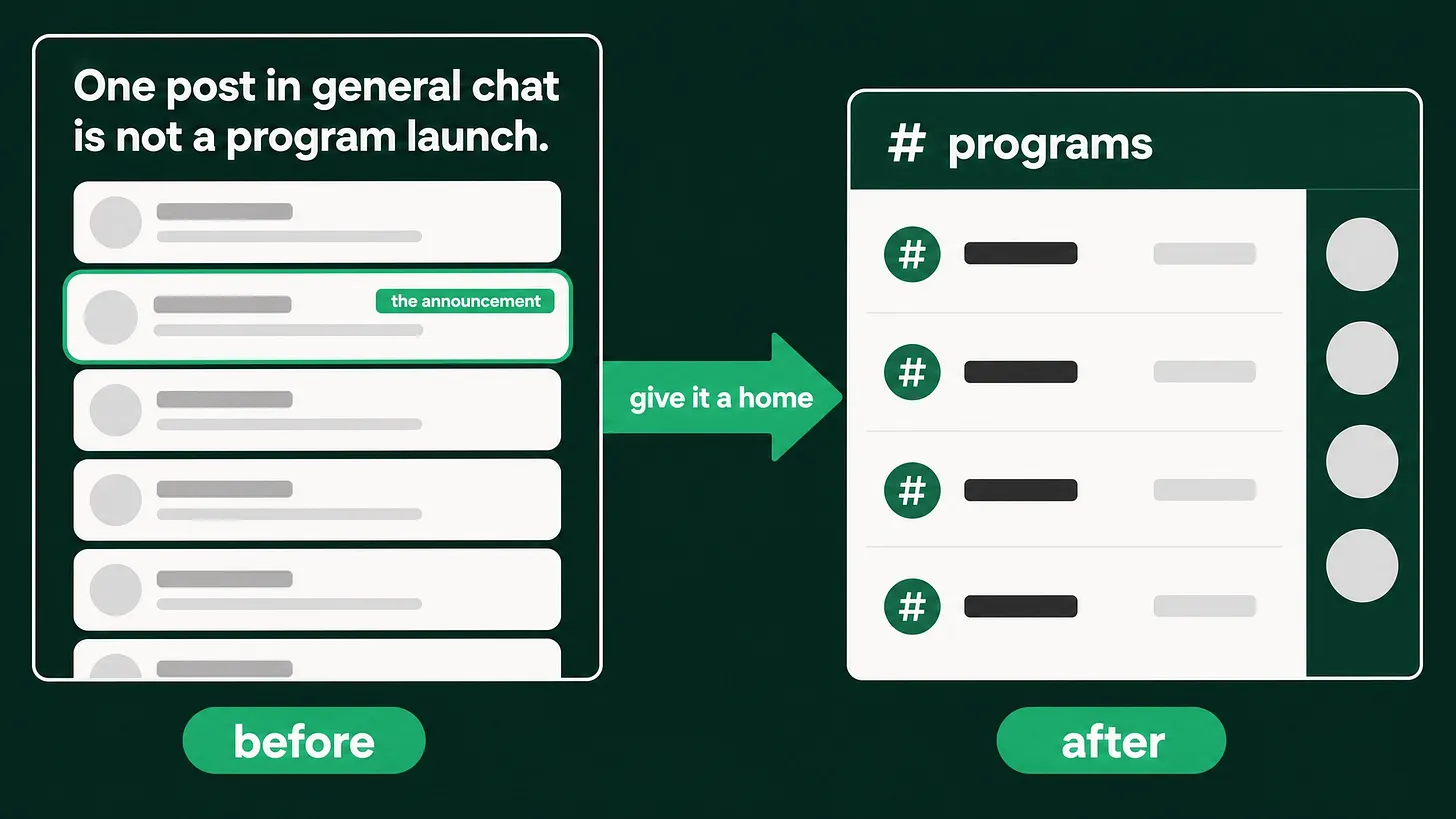
A company runs real programs. An awards scheme with a serious prize. A hackathon with sponsored credits. A free tier of an academy. Office hours with the engineering team. All of it live, all of it funded, and all of it announced once. Here is what that looks like from inside the server. The announcement goes into general chat on a Tuesday afternoon. Forty messages later it is above the fold for nobody. The program page lives on the website, three clicks deep, which the member never visits because they came here to ask a question. Two weeks later somebody on the team says the community is not engaged. The member's version of the same story is shorter. They never knew.
Every program you have run this quarter is invisible to the member who joined last week.
What the before state actually costs
The cost is not attendance. The cost is that you paid for the program twice. You paid for it once when you funded the prize, the credits or the speaker's time. You paid again in the conclusion the team drew afterwards, which was that the audience did not want it. That conclusion kills the next program, and the next one was probably the one that would have worked. There is a second cost that shows up in support. When a member cannot find whether a program is open, they ask. In a server without a board channel, that question lands in general chat, gets a partial answer from another member, and the wrong version circulates.
After: one board, one calendar, one owner
The after state is unremarkable to look at, which is the point. The board channel. One read only channel. Every open program on it, one entry each, ordered by the date it closes. Each entry says what the member gets, who is eligible, when it closes, and the name of the person to ask. Anything not on the board is not a program yet, it is an idea. Anything closed comes off the board the day it closes. The schedule. Anything with a start time becomes a native scheduled event rather than a message. Members who mark themselves interested receive a notification when it starts, which is the only reliable reminder available to you that does not depend on direct messages. It also gives you a number before the event happens, which is the closest thing to demand forecasting a community offers. The routing. The onboarding question at the door asks what the member came for. The answer assigns a role. When the hackathon opens, the notification goes to the hackathon role, and the members who came for support are left alone. That is how you get to notify people repeatedly without training the server to mute you.
The three questions every board entry answers
Most program listings fail on eligibility. A member reads the entry, cannot tell whether it applies to them, and closes the app rather than asking.
| Field | What it prevents |
|---|---|
| What you get | A member skipping something valuable because the value was implied |
| Who is eligible | The silent exit, and the support question that follows it |
| Closes on | Members discovering the program the week after it ended |
| Who to ask | The wrong answer spreading in general chat |
Nothing updates this by itself
This is the part that decides whether any of the above survives past the first month. No bot maintains an events calendar for you. There is no integration that reads your marketing plan and posts the programs. So it is a person, on a named slot, every week. Add what opened, remove what closed, correct any date that moved. A short weekly pass is enough, and skipping it for a month is how a board channel becomes proof that the community is dead. Members read a stale calendar the way they read a broken link.
⚠️ A board channel with an expired program at the top is worse than no board channel. It tells every arriving member that the last person who cared about this room left.
Push the entrance outward
The same failure happens one layer up. The programs are invisible outside the server too. The place people land before they join, whether that is the docs, the product page or a social profile, rarely names a single live program. Give the outside world the same three lines the board gives: what is running now, who it is for, when it closes. A member who arrives already knowing which program they want is a member you do not have to activate.
What to measure
Two numbers tell you whether the system works, and neither of them is member count. The first is interested marks per scheduled event, tracked before the event runs. Rising interest with flat attendance is a timing or reminder problem. Flat interest is a visibility problem, which means the board or the routing is not doing its job. The second is program questions in the support channel. When the board is right, those questions fall, and the ones that remain are more specific. That drop is the clearest signal that members are reading rather than asking.
Where this sits in the larger system
A program board is one layer of a community operating stack. Around it sit onboarding and the first forty eight hours, role and channel architecture, support routing and response time, moderation coverage, automation, and the reporting rhythm that tells the executive team what any of it produced. Program visibility depends on the door being instrumented, so if the onboarding question does not exist yet, that layer comes first. Build the board this week regardless. It works on its own, and it will show you quickly which of the layers beneath it you have been going without.
A community is a room, and a room can only tell you what is on its walls. Everything a member needs to decide to participate has to be written down somewhere they will actually stand. More at danieljeong.org.