How to Merge Two Discord Servers Into One Without Losing Your Active Members
Consolidation is a member transfer, and it runs on a built entrance, a published close date and a short hand reached list.

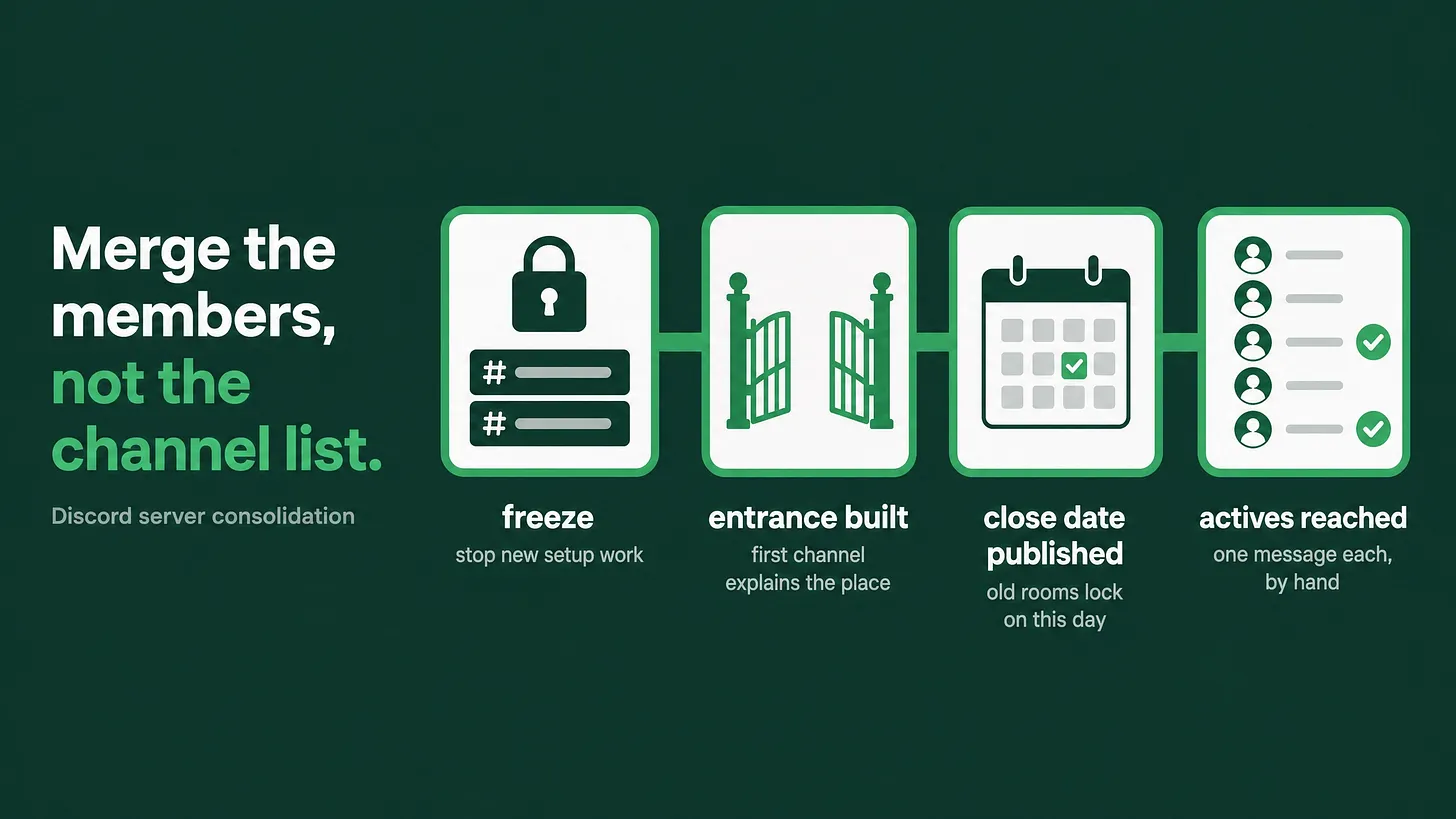
📌 To merge two Discord servers into one, treat it as a member transfer rather than a channel copy. Build the destination entrance first, announce inside the old rooms with a published close date, carry over the events and answers people stayed for, then reach the members who spoke recently one at a time. There is no bulk DM that does this for you.
The short answer
Merging Discord servers works in one order. Freeze setup work on the old servers, build the entrance of the new one, announce the move inside the rooms people already open, carry the reasons people stayed, publish a close date and hold it, then reach the active members by hand. Most teams run that list backwards. They build the new server, clone the channel list, post one announcement, and then go hunting for a way to message every member at once.
That hunt is where consolidations stall. The tool people are looking for does not exist, and the workaround gets an admin account flagged.
Why the mass message plan fails
A bot can message a member at the moment they join. Outside that moment, bulk DMs are throttled, and the platform treats a sudden run of unsolicited messages as abuse whether it comes from a bot or from a human admin. Members treat it the same way. An unexpected direct message with a server link in it looks exactly like the scams they have been trained to ignore.
So the migration has to happen in the places members already look: the channels of the old server, the announcement surfaces of your other platforms, and the personal conversations you have already earned.
A migration built on direct messages is a migration built on a permission you do not have.
Step one: decide what dies
Before anything moves, sort every channel in every old server into two piles. The first pile is channels with a person responsible for them. The second pile is everything else. Only the first pile is allowed into the new server.
This is the cheapest moment you will ever get to delete dead rooms. A consolidation that carries four sets of abandoned channels into one server produces a bigger abandoned server, and the member who arrives sees a room where nothing is happening in twenty places instead of five.
Write the decision down as a table before you build anything:
| Old channel | Owner in the new server | Decision |
|---|---|---|
| Support and questions | Named person, daily | Moves |
| Recurring event or call | Named person, weekly | Moves |
| Showcase or wins | Named person, weekly | Moves |
| Topic channel with no owner | None | Dies |
Step two: build the entrance before anyone hears about it
The first channel a member lands in is the highest drop off point in any server, and during a migration it is doing double duty. It has to explain a new place and justify a move the member did not ask for.
Build it before the announcement goes out. That means a first channel with a real title, a short video or a five line summary of what this server is for, an obvious first action, and a visible list of who works here. Members arriving from a merge are more suspicious than normal arrivals, because they were already somewhere that worked well enough. Give them proof rather than a wall of rules.
Set the onboarding questions at the same time. If your old servers were split by brand, product line or region, the question at the door replaces what the separate servers used to tell you automatically. Answer, role, and the member sees only the part of the server that concerns them.
Step three: announce inside the rooms people already open
Post the announcement in every old server, pin it, and repeat it on the platforms that originally sent people to Discord. Say four things: the new server exists, this is why it is better for the member, this is the date the old room closes, and this is the link.
A close date is the part teams leave out, and it is the part that moves people. Without a date, the old room stays warm and nobody has any reason to walk.
Step four: move the reasons, not just the channels
Members do not stay for a channel list. They stay for a weekly call, for a person who answers questions, for the feeling that other members are doing something worth watching.
So the recurring event needs to exist on the new server calendar before the old room closes. The person who answered questions needs to be visibly present in the new support channel. If your old servers had a wins channel with real posts in it, seed the new one by asking a handful of members to post again. An empty showcase channel reads as a dead community, and it reads that way in the first ten seconds.
⚠️ The most common migration failure is a technically perfect new server with nothing happening in it. Members walk in, see silence, and go back to the old room until it closes. Then they leave both.
Step five: close the old rooms on the date you published
On the date, revoke send permissions across the old servers, leave one visible channel with a pinned message and the new invite link, and stop maintaining them. Keep them readable for a while so late arrivals can find the link, then delete them.
Do not run two live servers. Two live servers means two support queues, two moderation surfaces and two places where a question can go unanswered, staffed by the same team you already had.
Step six: hand reach the short list
Now the manual work, and it is smaller than it looks. Pull the members who sent a message in the last month. That group is a fraction of your total and it is the only group whose loss actually costs you anything.
Reach them individually, in the place where you already have a relationship. A reply to their last message in the old server. A note in the private thread you already have open with them. A mention in the channel where they are active. One message each, written like a person, naming what they specifically will find on the other side.
If you have never had a private thread with your most active members, this is the step that teaches you why they matter. A team that has one open thread per contributor can run a migration in an afternoon. A team that has only ever spoken in public channels has to rebuild that access under time pressure.
What you can measure afterwards
Attach a distinct invite link to each old server before you announce, and give each link its own role in the new server. When the dust settles you can see which of the old communities actually moved, and which one quietly evaporated. That number tells you where to spend the next month of attention.
Track two things for four weeks: messages from members who arrived through those links, and questions that went unanswered in the new support channel. The first tells you whether the move held. The second tells you whether you can staff what you built.
Where consolidation sits in the larger system
A merge is one layer of a community operating stack. The other layers are onboarding and the first forty eight hours, role and channel architecture, support routing and response time, moderation coverage, automation, and a reporting rhythm that turns all of it into something an executive can read. A consolidation forces you to touch every one of those layers at once, which is why it exposes whichever layer was never built.
You can run the merge above with the team you have. What you will notice afterwards is which of those layers you were relying on luck for.
Consolidation is the rare week where a community team gets to delete things without arguing about it. Use it. Everything you carry over should have a person attached to it and a reason a member would open it. Everything else was never really part of the community. More at danieljeong.org.