How to Host Course Content in a Discord Community and Still Know Who Finished
The boundary between the material and the conversation, and the role based record that gives you a completion number without building anything.

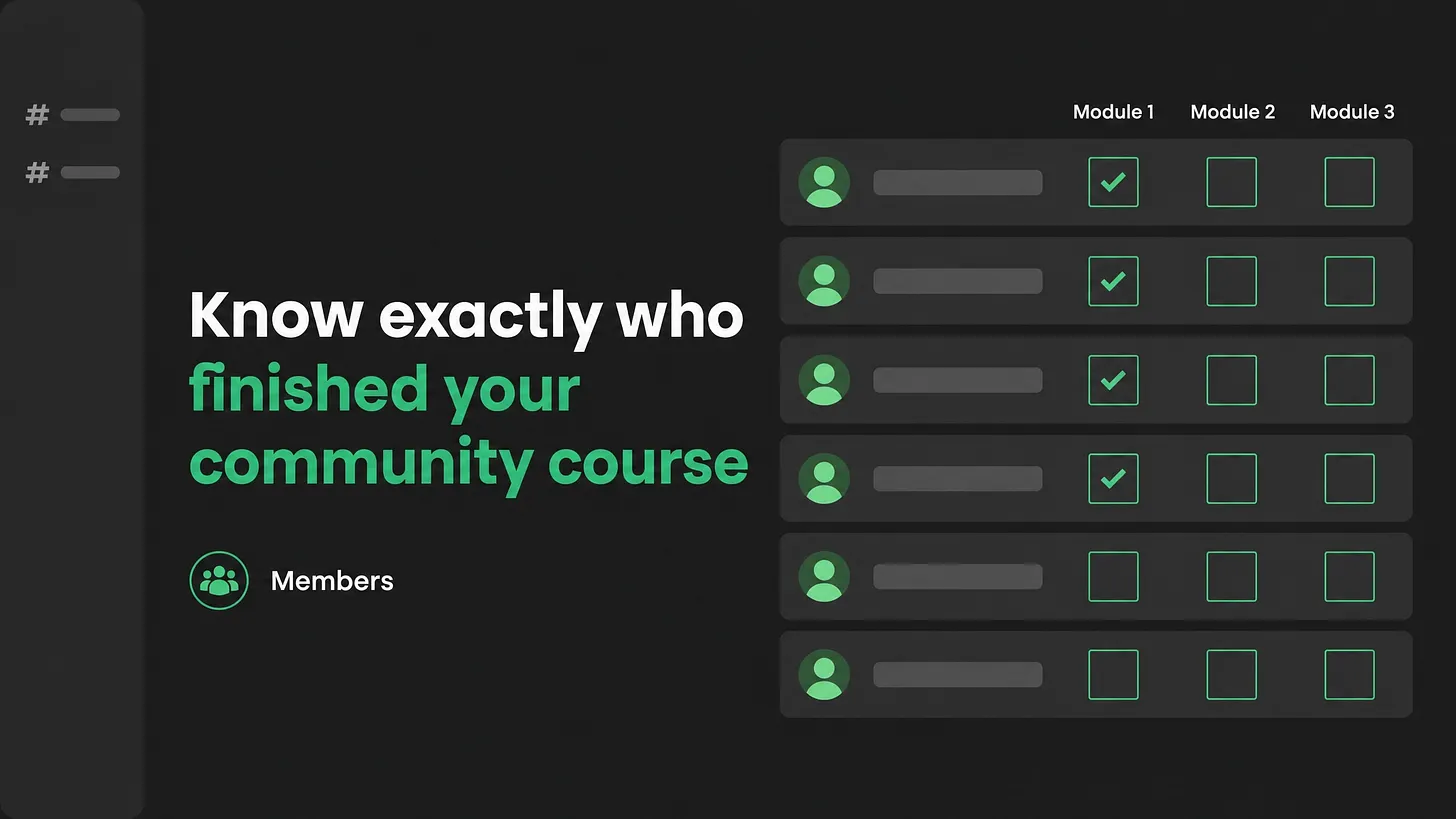
| How to host course content in a Discord community: put the material on one measurable page you control, keep the questions and the cohort in the server, and join them with one link per lesson plus a role granted at each stage. A server records messages rather than progress, so the completion record has to live where it can report per person. |
|---|
Answer first: where each piece goes
The material goes on one page you own and can measure. The conversation about the material stays in the server. One canonical link joins them, and a role marks each stage as complete. That is the whole placement rule, and the rest of this piece explains why the line sits exactly there and how to build it in an afternoon.
Most teams arrive at the opposite arrangement for a sensible reason. Members are already in the server every day, so dropping lesson videos and worksheets into channels feels like a shortcut past a login screen. It works for about three weeks. Then someone with a budget asks how many members finished the training, and the honest answer is that nobody knows.
Why a server cannot hold the record
A server is built out of messages, and a message is an event. It records that something happened at a moment in time. It does not record a state that belongs to a person and persists.
That single property explains every failure that follows. You can see that a lesson was posted. You cannot see who opened it, who watched two minutes and left, who has been stuck on the same setup step since the middle of last month. Reactions look like a workaround until you use them for a quarter. People react to be polite, they react to bookmark something they never come back to, and the reactions disappear the moment the message is edited or reposted.
Search is the second problem. A lesson buried in a channel is found by scrolling, and scrolling is a member's job rather than yours. New members ask questions the material already answers, because the material is technically present and practically invisible.
Anything you need to count per person has to live somewhere that reports per person. A server reports activity, and activity is a poor stand in for progress.
Versioning is the quiet third problem. Material pasted into a channel cannot be corrected in place, so the fix gets posted below the mistake and both stay visible. Six months later a member follows the wrong one and blames the community for it.
The one question that decides every placement
Before anything moves, ask one question about each piece of material: do you need to know, per person, whether they consumed this?
If the answer is yes, it lives outside the server on a page you control. If the answer is no, the server is a fine home for it. That test resolves almost every argument a team has about this, and it takes seconds per item.
| Belongs in the server | Belongs on the page you own |
|---|---|
| Questions about a lesson | Lesson videos and written material |
| Cohort conversation and introductions | The completion record |
| Office hours and live sessions | Version history and corrections |
| Announcements that a lesson is live | Anything you will be asked to report on |
| Peer review and accountability nudges | Downloads, templates, and worksheets |
Notice what the left column has in common. Every item is a conversation between people, which is the thing a server does better than any page ever will. The right column is a record, and records need a home that can be corrected, versioned and counted.
Build it in this order
- Write down the completion questions before you build anything. How many started, how many finished, who is stuck and where. Those three questions decide what the rest of the setup has to produce, and writing them first stops you building something that cannot answer them.
- Give the material one canonical home. One page, one path, one owner. Every link in the server points there. A copy pasted into a channel becomes a second version within a month, so the rule is a link and never a duplicate.
- Open one forum channel per module. Threads keep each question separate and searchable, which a busy chat channel does not. Add a small fixed set of tags for the recurring question types, something like setup, stuck, feedback and finished. Tags let a member filter to the exact question they have instead of scrolling past everyone else's.
- Use roles as the visible record. Roles hold state, and that makes them the only part of a server that behaves like a ledger. One role per stage, granted by whoever verifies the work, and your member list becomes readable at a glance.
- Fix a naming convention on day one. Channels, roles and lesson titles all use the same module number. Renaming a live server later is an afternoon nobody has spare.
- Publish through a webhook. When a lesson goes live on your page, the announcement fires into the server automatically. The announcement then becomes a byproduct of publishing instead of a task somebody forgets.
- Attach office hours to a specific module. A voice session titled after module three, held the week module three lands, fills up. A general open call does not.
- Pull the weekly number from both places. Views and completions come from your page, questions and attendance come from the server. Two numbers, one line each, in whatever your team already reports on.
Written out in full, a three module program lands like this. Each module has the same five lines, so the map doubles as a checklist when you build module two and module three.
MODULE 1
  material    your page, one canonical URL: video, written steps, template
  questions   #module-1-questions, forum channel
              tags: setup / stuck / feedback / finished
  record      role "Module 1 Complete", granted by the reviewer
              never self served, never claimed by the member
  live        office hours named after module 1, held the week it lands
  announce    webhook posts to the server when the page publishes

MODULE 2
  material    your page, one canonical URL: video, written steps, template
  questions   #module-2-questions, forum channel
              tags: setup / stuck / feedback / finished
  record      role "Module 2 Complete", granted by the reviewer
  live        office hours named after module 2, held the week it lands
  announce    webhook posts to the server when the page publishes

MODULE 3
  material    your page, one canonical URL: video, written steps, template
  questions   #module-3-questions, forum channel
              tags: setup / stuck / feedback / finished
  record      role "Module 3 Complete", granted by the reviewer
              plus role "Program Complete" once all three are held
  live        office hours named after module 3, held the week it lands
  announce    webhook posts to the server when the page publishes

WEEKLY REPORT
  from your page      started, finished, and the step people stop at,
                      counted per module and per person
  from the server     open questions per module, office hours attendance
The naming repeats on purpose. A member who learns the pattern once navigates the whole program without asking, and that is the cheapest support reduction available to you.
What breaks at each size
The operating model changes as the community grows, and this layer changes with it.
| Size | What holds | What breaks first |
|---|---|---|
| Around 100 members | You know who finished because you spoke to them | Nothing yet, which is why the habit never gets built |
| Around 1,000 | Roles still readable by hand | Manual role granting falls behind, and the record goes stale |
| Around 10,000 | Forum tags carry the question load | The same questions repeat because the material is not findable |
| Around 100,000 | Automation handles routing and role grants | Reporting, unless completion already lives somewhere countable |
The pattern is worth naming. Nothing about this hurts at the size where it is easy to fix, and everything about it hurts at the size where fixing it means migrating live material out from under active members.
The layer this sits inside
Everything above solves one layer of a community operating stack. The other layers are onboarding and the first forty eight hours, role and channel architecture, support routing and escalation, response time, documentation, automation coverage, and community reporting. Each one behaves like this one: cheap while the community is small, expensive once members depend on it.
A course layer built well will expose the layers underneath. Members will ask a question in the right forum channel and wait two days for an answer, and you will have found your response time problem. They will finish module one and have no idea what to do next, and you will have found the gap between education and onboarding. Fixing the boundary described here is finished work on its own, and it also tells you which layer to look at next.
Do this in the next hour
Open your server. List every piece of teaching material sitting in a channel. Against each one, answer the single question from earlier: do you need to know, per person, whether they consumed it. Move every yes onto one page, replace it in the channel with a link, and create one role for the first stage.
That is an hour of work, and it is the difference between a community that teaches and a community that can prove it.
Everything a community teaches eventually gets audited by someone holding a budget. Build the record while it is a single afternoon of work, and the audit becomes a formality. More at danieljeong.org.