How to Approve Changes to a Discord Server: One Written Sentence and Two Ticks Before Anything Is Built
A five field change card, two questions to ask in order, and the proof to collect afterwards, so a live server gets changed once and members see one update.

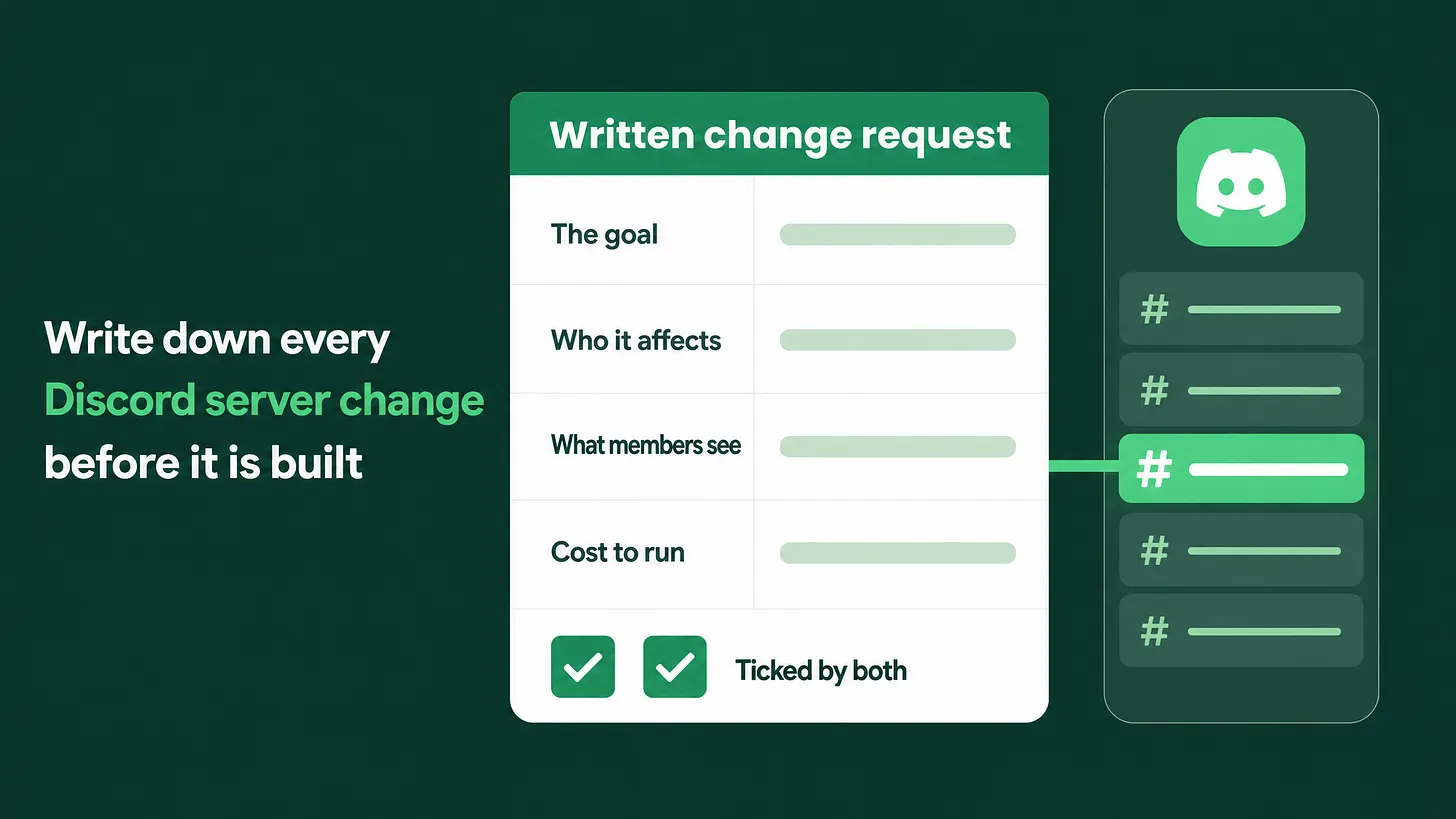
If you are asking how to approve changes to a Discord server, stop approving them in chat. Write each change as one plain sentence stating the goal and what members will see, have the requester and the builder both tick it, and attach a screenshot from a test account once it is built. A change handled this way gets built once.
A change is approved when it is written down and ticked twice
A change to a live Discord server is approved when three things exist. It has been written as one plain sentence that states the goal. A second line says which members will see something different and what that difference is. The person who asked for the change and the person who will build it have both ticked it. Until those three things exist, nothing in the server is touched, however small the request sounds. I keep all of this on a short form I refer to as a change card. It has five fields and takes a few minutes to fill in. The first half of this piece argues against the way most teams approve changes today. The second half lays out the card and the habits that sit around it.
Nothing in the server is touched until the requester and the builder have ticked the same written sentence.
Why approving changes in chat goes wrong
Most server changes are approved in a chat message or out loud. The owner types a line such as Can we add verification for new members?, the builder answers On it, and the change is live a few hours later. Both people believe they agreed on something.
I think this habit is the main reason server work gets redone. It fails in four specific ways.
The request names a feature and leaves out the goal. "Add verification" is a thing to build. It says nothing about what the owner wants to be true afterwards. Perhaps they want fewer spam accounts. Perhaps they want paying customers to confirm a purchase before they reach the customer channels. Those are two different builds, and the same chat message fits both.
The same word means different things to each person. The owner uses a word the way their business uses it. The builder hears it the way Discord uses it. Neither notices, because both of them recognise the word.
Nobody says which members are affected. A request typed in a hurry rarely states whether it applies to every member, only to new ones, or to one group such as customers. The builder picks the reading that seems most likely and builds for that.
A yes in chat costs nothing. Replying "sounds good" takes a moment and commits nobody to reading anything carefully. The first careful look happens after the build, on the live server, with members already inside the new version.
What follows is predictable. The owner opens the server, sees something other than what they pictured, and asks for it to be changed again. The builder, who built exactly what the message said, redoes the work. Both are frustrated, and each has a fair complaint.
Members pay for it as well. They saw the entry flow change on Tuesday and change again on Thursday. A server that keeps changing shape reads as a server nobody is in charge of, and a new member has no way to know which version is the real one.
A fast build of the wrong thing takes longer than a slightly later build of the right thing. Teams count the speed of the first reply and leave the redo out of the sum.
The change card: five fields
The replacement is a card that both people fill in and tick before the builder opens the server settings. It can live in a shared document, on a project board, or in a private staff channel. The tool matters far less than the five fields.
| Field | What goes in it | The mistake it prevents |
|---|---|---|
| 1. The goal | One plain sentence saying what should be true once the change is live | Building a feature that solves a different problem |
| 2. Who it affects | The member group: every member, new members only, or a named group such as customers or moderators | A change meant for one group landing on everyone |
| 3. What they will see | Two short lines, before and after, written from the member's side of the screen | The owner picturing one result and the builder another |
| 4. Possible, and cost to run | Whether Discord and the bots already in the server can do it, and what it costs each month or in build time | Agreeing to something that needs a paid plan or custom work nobody budgeted for |
| 5. Two ticks | One box for the requester and one for the builder | A change going live on one person's reading of it |
The verification request from earlier, written as a card:
CHANGE CARD

1. The goal (one sentence)
   New customers reach the customer channels only after
   they confirm their purchase.

2. Who it affects
   New members who pick "I am a customer" when they join.
   Nobody else.

3. What they will see
   Before: every channel is open the moment they join.
   After:  the customer channels stay hidden until they
           confirm. The public channels stay open.

4. Possible, and cost to run
   Possible. Needs the paid plan of the bot that checks
   purchases, billed monthly, plus a short setup.

5. Ticks
   [ ] Requester: this is what I meant
   [ ] Builder:   this is what I will build
The requester fills in the first three fields as well as they can. The builder completes the fourth and corrects anything in the first three that reads two ways. A few rules keep the card useful:
- The goal is one sentence. If it needs two, it is probably two changes and deserves two cards.
- The before and after lines use words a member would use. "The customer channels stay hidden until they confirm" is a member's view. The permission settings behind it are the builder's notes and go underneath.
- The requester's tick means "this is what I meant". The builder's tick means "this is what I will build, and it is possible".
- Either person can refuse to tick and rewrite the sentence. A rewritten sentence is the card doing its job.
- One person never ticks both boxes.
Agree the goal first, then ask two questions in order
Settle the goal before anyone discusses steps. A builder who hears a request tends to jump straight to how it would be built. An owner tends to describe a feature they saw in another server. Both skip the sentence that says what should be different for members. Once the goal sentence is agreed, ask two questions, in this order.
- Is it possible? Discord has limits, and so does every bot. A channel has one name and one set of messages, for example, so it cannot show one version to customers and another to everyone else. If the answer is no, the builder says so now and offers the closest thing that is possible.
- Is it worth the cost? Some changes are free and take a few minutes. Others need a paid bot plan that bills every month, or custom work that someone then has to maintain. Write the running cost on the card in plain terms: free, a monthly plan, or a custom build with upkeep. The owner then decides with the price in view. The order saves a common waste, which is debating whether a feature is worth having before anyone has checked that it can exist. A goal often survives when the requested feature does not. If the goal is "customers get answers faster" and the feature the owner asked for cannot be built, a different build may reach the same goal. That only becomes visible when the goal is written separately from the feature.
Define the words before you use them
Some words carry two meanings, one from the business and one from Discord. These three cause the most rework in my experience:
| Word | What the owner often means | What the builder often hears |
|---|---|---|
onboarding | Everything a new member goes through in their first week | Discord's Onboarding feature, the questions shown when someone joins |
verified | A member who has proved they are a customer | A member who pressed a button or passed Discord's own account checks |
profile | A member's record in the company's own product | The member's Discord profile, or a card a bot posts about them |
Keep a short shared glossary, one line per word, in the same place as the cards. Add a word the first time it causes confusion. When a card uses a glossary word, it uses it in the glossary's meaning, and a card that needs a new meaning adds a new entry first. The glossary stays short. Teams trip over a small set of words, and they are usually the same ones each time.
Batch changes so members see one update
Anything members can see should be released in groups. This matters most for the entry flow, meaning the channels and questions a new member meets first, usually starting in #start-here.
Pick one release slot a week. Cards ticked during the week wait for it. Members then see one update, and one short announcement can cover all of it.
Batching also catches collisions. Two cards that touch the same channel or the same role get read next to each other before either is built. Changes members never see, such as a staff channel or a logging setting, can go live as soon as they are ticked.
Proof after the build
A card does not close when the builder says the work is done. It closes when proof is attached: a screenshot or a short screen recording taken from a test account, one for each member group named in the second field. A test account is a spare Discord account with no staff roles, so it sees the server the way a member does. Owners and builders usually hold roles that reveal every channel, which is why checking from their own accounts proves very little. Discord's View Server As Role option gives a quick preview of which channels a role can see. It does not walk through the join flow, so I treat it as a first check and the test account as the proof.
- The test account joined fresh, or was given the role, for each affected group
- The screenshot or recording shows the "after" line from the third field
- One group that should see no change was checked too
- The proof is attached to the card and the requester has looked at it The requester compares the proof with the before and after lines. If they match, the card is closed. If they do not, the builder fixes the build, and the gap is measured against a written sentence instead of against two memories of a chat message.
The change log members never see
Closed cards go into a change log: a private list, newest first, kept in a staff channel or a shared document. Each entry holds the date, the goal sentence, who ticked it and a link to the proof.
| DATE | GOAL SENTENCE | TICKED BY | PROOF |
|---|---|---|---|
| Week 1 | New customers reach the customer channels only after they confirm their purchase | Owner, builder | 2 screenshots |
| Week 1 | New members see three channels on arrival and choose the rest themselves | Owner, builder | 1 recording |
Discord's built in Audit Log records who changed which setting. It does not record why, and its entries are not kept forever. The change log holds the reason. Months later a new moderator asks why the customer channels sit behind a confirmation step, and the answer is one search away. Without the log, the next person undoes a change that was made for a good reason, and the team relearns the lesson.
The one kind of change that skips the card
An emergency change is a fix for something broken that blocks members from joining or from getting help. Three examples:
- The invite link has stopped working.
- The join flow leaves new members unable to see any channel.
- The button that opens a help request does nothing. Fix these immediately. Then write the card after the fact, on the same day, with the goal, who was affected, what they saw while it was broken and after the fix, and both ticks. The card still goes into the log. Everything else waits for a card, including a typo, a new idea from the owner and a channel that would look better renamed. The definition stays narrow and written down, because an emergency label that stretches to cover ordinary requests brings the chat approval habit straight back.
Where this step sits
Approving individual changes is one small step inside community operations, which also covers documentation, role and channel architecture, onboarding, automation coverage and reporting. The card designs none of those. It makes sure that each change to any of them is understood the same way by two people before it is built. The next request is the place to start. Write it as one sentence, name the member group, describe the before and after, and get both ticks before anyone opens the server settings. The few minutes spent writing a change down are the cheapest part of building it. More at danieljeong.org.